



Most buyers comparing fax services like eFax vs Fax Plus are settling two questions at once: which fax service is the safer home for sensitive information, and which one fits the systems their team already uses.
Short read. Fax.Plus leads on entry pricing and a cleaner, more user-friendly interface. eFax leads on a recognizable brand, a polished eFax mobile app on iOS and Android, and live phone support around the clock. For a solo practitioner or a small business with no compliance surface, one of those is usually the answer. For a hospital, a multi-clinic network, a law firm with privileged documents, or any team relying on physical fax machines, the comparison opens up beyond the two headline products.
FaxSIPit is a HIPAA-compliant cloud fax service for regulated industries. We co-created HTTPS faxing in 2008 and shipped the first HTTPS ATA device in 2009. We include our own product below as the third option, clearly labeled.
Quick Verdict by Buyer Profile
Small business, single user, no PHI. Fax.Plus Basic. Lowest entry price, modern user interface, no setup fee. Good for low-volume faxing needs.
SMB wanting a 24/7 phone line and a recognizable brand. eFax Plus or Pro. Long tenure, dedicated apps, live phone support.
Healthcare practice, law firm, or any team handling sensitive information. Either vendor's HIPAA tier works, but HIPAA is gated behind Enterprise on Fax.Plus and Protect or Corporate on eFax.
Regulated enterprise, MSP, multi-site migration, or any team keeping a fax machine on-site. FaxSIPit. Every pricing tier includes HIPAA, BAA signing, AES 256-bit encryption at rest with TLS 1.3 in transit, SecureFax-ATA hardware that supports a fax machine via the existing phone line, REST API, secure file delivery over SFTP, a printer driver / installable desktop fax client, and a channel program for MSPs, UCaaS platforms, and VoIP resellers.
Pricing Side-by-Side
Setup fees, HIPAA gating, and overage rates move real budget decisions. Headline pricing plans hide most of the actual cost differences.
Provider | Entry plan | Monthly price | Pages included | HIPAA availability | Setup fee | Overage |
|---|---|---|---|---|---|---|
FaxSIPit | Starter | $15/mo | 200 | Included on every plan | $0 | $0.06/page |
FaxSIPit | Pro | $40/mo | 1,000 | Included | $0 | Published |
FaxSIPit | Business | $100/mo | 2,500 | Included | $0 | Published |
eFax | Plus | $18.99/mo (or $15.83 annual) | 170 send + 170 receive | Not on Plus | $10 | $0.10/page |
eFax | Pro | $24.99/mo (or $20.83 annual) | 275 send + 275 receive | Not on Pro | $10 | $0.10/page |
eFax | Protect | From $50/mo | From 1,000 | Yes, with BAA | $10 | Tier-dependent |
eFax | Corporate | Custom | Scalable | Yes, with BAA | $10 | Custom |
Fax.Plus | Basic | $8.99/mo (or $6.99 annual) | 200 | No | $0 | $0.10/page |
Fax.Plus | Premium | $17.99/mo (or $13.99 annual) | 500 | No | $0 | $0.07/page |
Fax.Plus | Business | $34.99/mo (or $27.99 annual) | 1,000 | No | $0 | $0.05/page |
Fax.Plus | Enterprise | $99.99/mo (or $79.99 annual) | 4,000 | Yes, with BAA | $0 | $0.03/page |
Plan details as of April 2026, sourced from each vendor's pricing page and FaxSIPit's pricing page.
Fax.Plus wins on entry subscription plans, especially annual. eFax adds a $10 setup fee on every plan and does not publish HIPAA pricing (Protect and Corporate require quotes). FaxSIPit includes HIPAA and BAA support on every tier without a separate HIPAA SKU. Budget buyers without PHI pick Fax.Plus; organizations wanting HIPAA in the entry plan end up on FaxSIPit.
HIPAA Compliance and BAA Availability
A vendor listing "HIPAA compliant" on a pricing page is only half the story. The technical safeguards at 45 CFR § 164.312 call out five standards that matter for fax: access control, audit controls, integrity, person or entity authentication, and transmission security. The vendor also has to sign a Business Associate Agreement. HHS publishes sample BAA provisions outlining obligations on both sides.
What HIPAA actually requires
Any vendor handling PHI needs TLS in transit, AES-256 at rest, unique user identification, automatic logoff, audit logs that capture sender, recipient's fax number, timestamp, and delivery confirmation, and a signed BAA on the exact plan you pay for. These security measures are non-negotiable. Logging the recipient's fax number and its delivery status for every transmission is part of the audit-trail format commonly used in regulated environments.
eFax HIPAA posture
eFax documents HIPAA on its Protect and Corporate products. Those plans use 256-bit AES and TLS encryption and support signed BAAs, applying these security measures to every fax. Plus and Pro are not HIPAA-compliant. Corporate adds PCI DSS, GLBA, FERPA, and SOX language. eFax offers a unified portal across tiers, and eFax offers more advanced features at the Corporate level, including custom retention windows.
Fax.Plus HIPAA posture
Fax.Plus publishes HIPAA on Enterprise with BAA signing. Security includes AES-256 at rest, per-user encryption keys, SOC 2 Type 2, and ISO/IEC 27001. These security measures apply across the Enterprise tier only. Basic, Premium, and Business are not positioned for PHI.
The plan-gating problem
The common risk both vendors create is plan gating. A buyer who picks the wrong plan, or upgrades a user to a non-HIPAA tier, can route PHI through a path never covered by the BAA. Our HIPAA-compliant cloud fax service publishes HIPAA, encryption, BAA signing, and up to seven years of storage on every plan, so a compliance officer doesn't need to verify plan-by-plan which users are covered.
Architecture and Transport Security
Most buying guides treat security as a checkbox: "AES-256, HIPAA compliant, done." That skips how the fax actually gets from your network to the recipient — the layer that determines whether sensitive data is exposed in motion.
How cloud fax actually moves
The protocol carrying a fax across the wire decides whether anything else about "security" actually means anything. Most fax services still rely on the public voice network for part of the delivery, where the signal is transmitted over G.711 or T.38. G.711 is a voice codec built for telephone audio; T.38 is a fax-over-IP protocol designed to handle facsimile signaling across IP networks. Neither was built to encrypt the payload — encryption must come from a layer wrapped around the transport. FaxSIPit takes a layered approach inside its service: stored fax data uses AES 256-bit encryption at rest, and data in transit uses TLS 1.3. That covers everything from the user's submission via the cloud platform to the PSTN handoff, the trusted boundary where commercial fax traffic enters the carrier network. When a fax needs to drop to the PSTN for last-mile delivery to a recipient's phone line, the cloud portion of the transmission remains protected by the encryption applied upstream. For regulated buyers, this is the gap between a fax service that says "secure" and a fax service that can defend the claim.
eFax transport and network
eFax uses 256-bit AES and TLS encryption on general-purpose cloud infrastructure with >99% uptime. Corporate-tier customers can meet HITRUST. The underlying network is not a dedicated fax network. Outbound transmission still relies on the public phone line for last-mile delivery to a fax machine.
Fax.Plus transport and network
Fax.Plus uses TLS 1.3 with AES-256 at rest and per-user encryption keys. Compliance includes SOC 2 Type 2, ISO/IEC 27001, GDPR, and CCPA. Data residency across 20+ regions is Enterprise-only. Like eFax, the underlying network is a general-purpose cloud, and final delivery to a fax machine still rides a phone line.
Dedicated fax network vs shared cloud
FaxSIPit runs a dedicated fax network with high-availability, fault-tolerant design, purpose-built for fax transmission quality and compliance auditing. Intelligent multi-carrier retry means if one phone line path fails, another takes over. See our post on fax reliability in regulated industries. Architecture matters when a dropped or unencrypted fax is a compliance violation.
Hardware Support: Keeping a Traditional Fax Machine On-Site
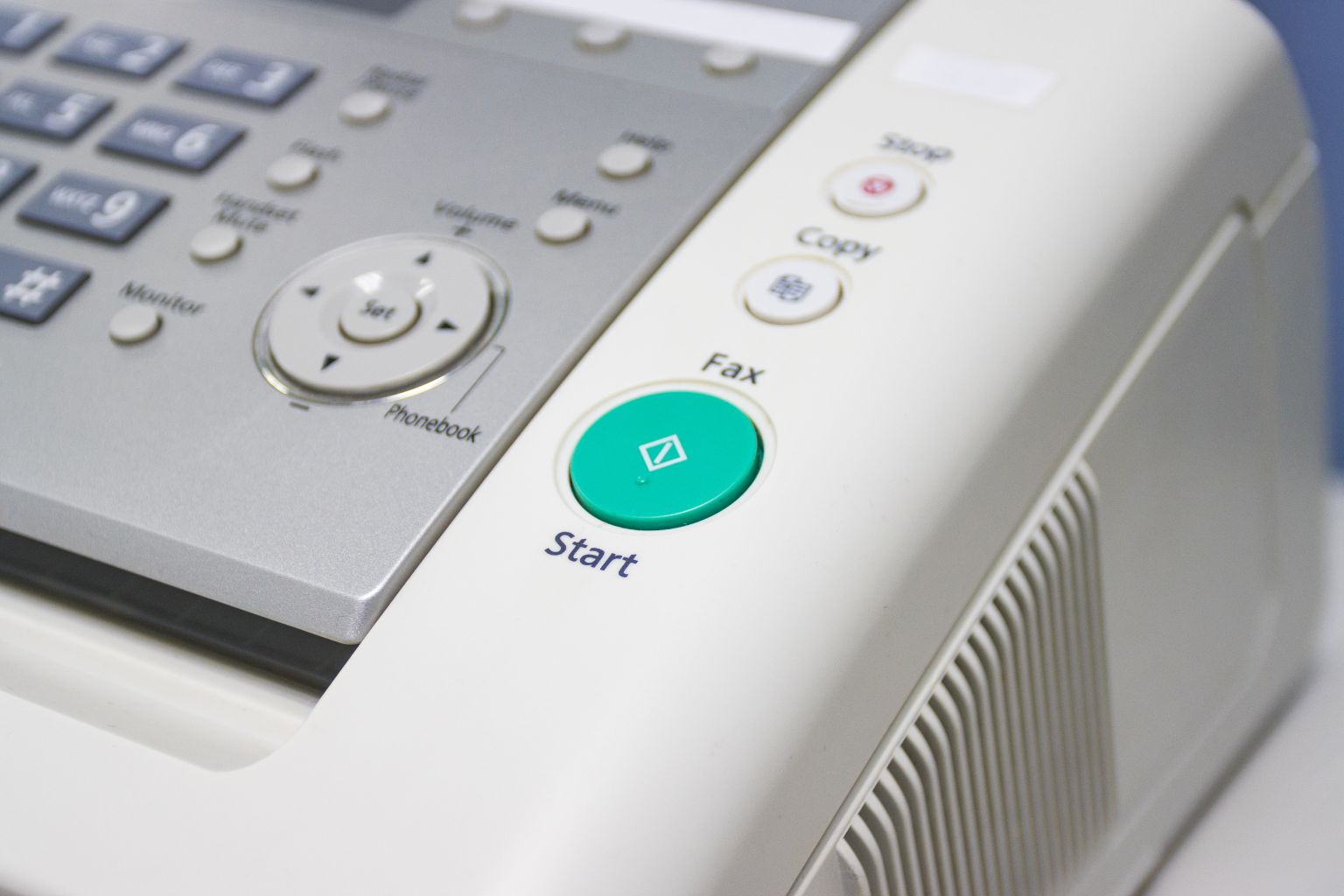
Many regulated organizations cannot rip out an existing physical fax machine. Shared numbers, location-based routing, and clinician workflows depend on a specific fax machine at a specific desk. Neither eFax nor Fax.Plus publishes a proprietary ATA device for bridging a traditional fax machine to cloud infrastructure. Teams that want to send and receive faxes from the same fax machine staff already use are stuck replacing hardware or running parallel systems.
Our SecureFax-ATA connects an existing physical fax machine to the encrypted cloud over HTTPS, with T.38 support. The fax machine plugs into the ATA via the same phone line port it already uses, and staff continue to send and receive faxes exactly as before. Numbers, routing, and workflows stay in place; the underlying fax transport becomes TLS-encrypted. For hospitals, multi-site clinics, law firms, and government agencies that cannot replace a traditional fax machine, this is the difference between a migration and a rip-and-replace project.
API and Enterprise Integration Depth
Enterprise fax is rarely just about pushing pages out the door. It is about integrating fax into existing systems to streamline workflows and improve document management.
eFax offers a fax API on Corporate with custom pricing. Fax.Plus offers API access on Enterprise with per-user keys. Both are behind a sales-assisted tier.
FaxSIPit publishes a REST fax API, BYOC (Bring Your Own Carrier), SIP trunks, and hosted fax server replacement. BYOC lets enterprises keep existing carrier contracts while routing fax through FaxSIPit. The API supports bulk sending, attaching image files to outbound faxes, and transmitting large files that exceed per-fax caps on consumer plans, and can transmit documents from any system that produces a PDF. Enterprises that transmit documents at scale — claims, e-prescriptions, court filings — use the API rather than a desktop client. Enhanced workflow efficiency comes from native API access, not bolt-on connectors. Enhanced workflow efficiency at the integration layer reduces ticket volume — that enhanced workflow efficiency is what enterprise buyers actually pay for.
Beyond the API, FaxSIPit also supports secure file delivery over SFTP for systems that batch documents into a drop folder, and a printer driver / installable desktop fax client for users who want to send a fax the same way they print. Together, these give regulated teams several ways to integrate fax into existing workflows without forcing every department onto a single interface.
Everyday Features: Apps, eSignature, Integrations
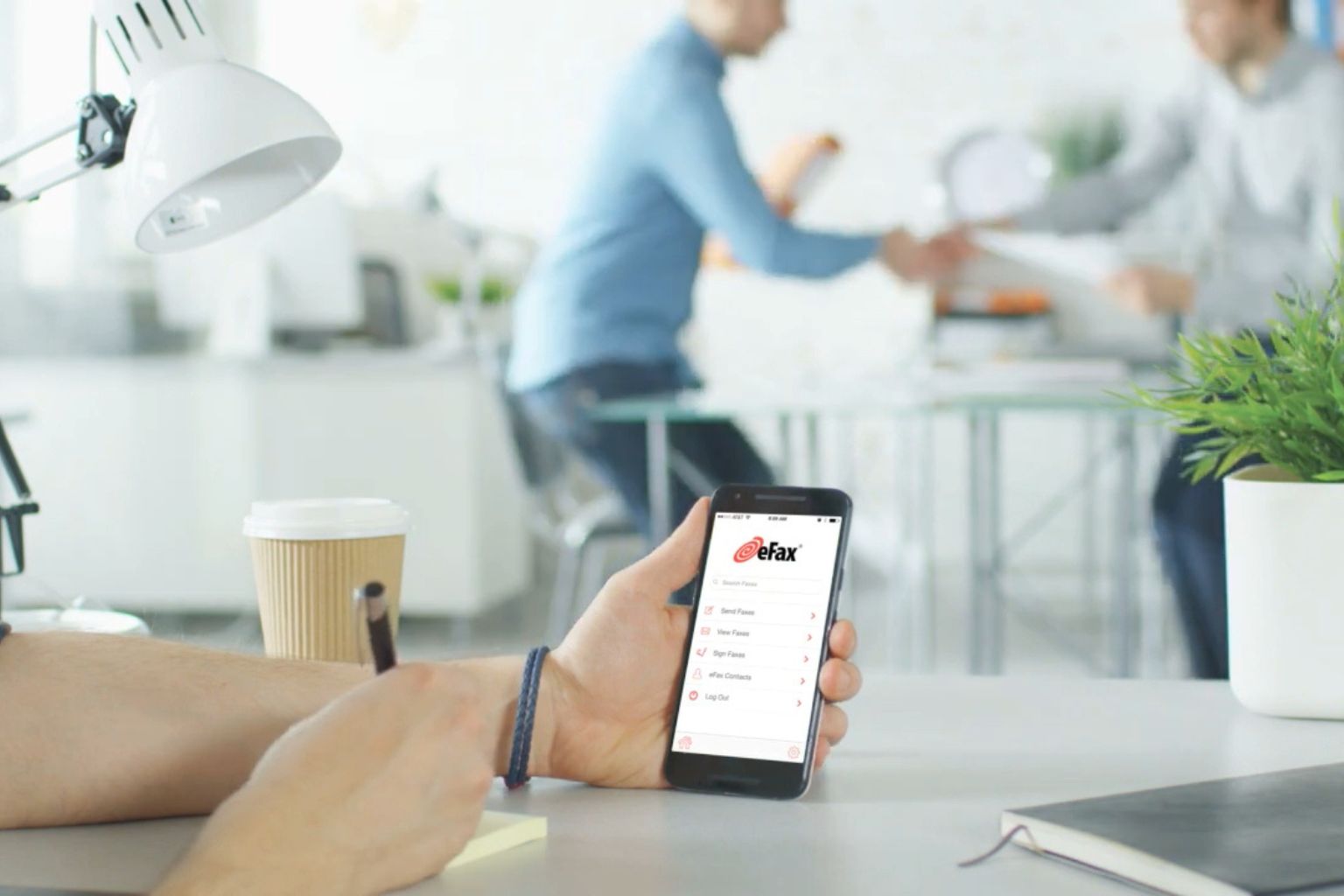
Day-to-day functionality is where eFax and Fax.Plus overlap most. Both ship a mobile app on iOS and Android, both send faxes from email, and both let users send faxes directly from a desktop browser. The mobile app on each side handles core send-and-receive flows, and the mobile app from each vendor supports inline document preview.
Feature | eFax | Fax.Plus | FaxSIPit |
|---|---|---|---|
Web app | Yes | Yes | Yes |
iOS app | Yes (eFax mobile app) | Yes (Fax.Plus app) | Desktop + portal + email |
Android app | Yes (eFax app) | Yes (Fax.Plus app) | Desktop + portal + email |
Email-to-fax | Yes | Yes | Yes |
eSignature | jSign (all plans) | Sign.Plus (separate app) | Via workflow integrations |
Outlook / Gmail | Email-to-fax | Email-to-fax | Outlook, Gmail, Google Workspace |
Microsoft Teams | Third-party | Third-party | Native integration |
Zoom | Limited | Limited | Native integration (Zoom App of the Month) |
Microsoft Copilot | Not advertised | Not advertised | Integration available |
Slack | Not advertised | Yes | Via API |
Zapier | Not advertised | Yes | Via API |
Cloud storage | Box, Dropbox, Google Drive | Google Drive, Dropbox, OneDrive | Via API connectors |
Scheduled faxing | Yes | Yes (separate app) | Yes |
Feature details as of April 2026, sourced from each vendor's published feature and pricing pages.
The nuance. eFax's mobile app lineup is the most polished — the eFax app on iOS and Android is consistently the highest-rated in app stores and offers a user-friendly interface, with the mobile app handling image files attached from the camera roll. Fax.Plus spreads functionality across three separate apps (Fax.Plus mobile app, Sign.Plus, Scan.Plus), which users flag as friction in the faxing process despite each having a clean user friendly interface. FaxSIPit emphasizes native integrations and seamless integration with Microsoft Teams, Zoom, Google Workspace, Outlook, and Microsoft Copilot. Cloud storage integration happens through API connectors. All three services connect to common storage providers (Google Drive, Dropbox, OneDrive); cloud storage links convert to attachments, and users can send faxes from those attachments without leaving the integration. Each service also lets users send faxes from email and receive faxes back to the same inbox — the simplest way to send and receive faxes. Users can fax directly from email, fax directly from a browser, or fax directly from a mobile app — pick whichever fits the existing fax workflow.
Fax Numbers, International Reach, and Broadcasting

Picking fax numbers across geographies, porting an existing fax number, and supporting international faxing are the three areas where these fax products differ.
eFax offers random or ported local and toll-free fax numbers, up to 10 on standard plans and 50+ on Corporate. International faxing on Plus and above. Broadcasting reaches 20 recipients on standard plans, 500 on Corporate. Corporate supports file sizes up to 3 GB, including large files attached to outbound faxes.
Fax.Plus offers local and toll-free fax numbers across 500+ area codes, vanity fax numbers as a paid add-on, and free porting. Worldwide delivery. Broadcasting supports up to 500 recipients on Business and Enterprise. File sizes capped at 30 MB.
FaxSIPit supports international faxing across 40+ countries, local and toll-free fax numbers on standard plans, and high-volume enterprise broadcasting via API and SIP trunks. A dedicated fax number for each line is included on every paid plan. Porting uses the standard LNP process; bulk sending through the API handles enterprise-volume fax jobs without per-fax overage surprises.
Support, Billing, and Contract Gotchas
Both eFax and Fax.Plus have documented billing complaints in public consumer reviews.
eFax complaints cluster around the $10 setup fee, overage billing confusion, and a cancellation process that requires phoning support. eFax's phone support line is a selling point — and the only path to cancellation.
Fax.Plus complaints focus on HIPAA being gated to the $99.99/mo Enterprise tier, the three-app split (Fax.Plus, Sign.Plus, Scan.Plus), and disputed billing where pages are deducted for failed transmissions. Port-out difficulty shows up in some reviews.
Both patterns reinforce the same advice: read the plan's terms before you sign, and verify BAA coverage for the exact plan tier. FaxSIPit publishes HIPAA and BAA support on every tier with North American toll-free phone support.
Which One Should You Choose?
Recap of the decision framework.
Small business, personal use, no PHI. Fax.Plus Basic on annual billing. Skip if you ever need PHI without upgrading to Enterprise.
SMB that values brand recognition and 24/7 phone support. eFax Plus or Pro. $10 setup fee; HIPAA requires moving to Protect.
Healthcare practice, legal firm, compliance-driven SMB. Either vendor's HIPAA tier works. Compare the actual HIPAA plan price, not the entry-tier price. FaxSIPit fits when HIPAA on the cheapest plan is a buying criterion.
Regulated enterprise, multi-site, or any team running a fax machine on-site. FaxSIPit. Dedicated fax network, SecureFax-ATA hardware bridging a fax machine to encrypted transport, REST API, secure file delivery over SFTP, a printer driver / installable desktop fax client, BYOC, hosted fax server replacement. See our enterprise and institutional solutions.
MSPs, carriers, UCaaS platforms. FaxSIPit runs a white-label channel program for partners reselling fax infrastructure under their own brand.
FAQs
Is Fax.Plus really free?
Fax.Plus offers a free plan limited to 10 pages. Paid subscription plans start at $6.99/mo on annual billing.
Is eFax still free?
eFax does not have a paid-free tier. All active paid plans start at $15.83/mo on annual billing with a $10 setup fee.
Is Fax.Plus HIPAA compliant?
Only on its Enterprise plan with a signed BAA. Basic, Premium, and Business tiers are not positioned for PHI.
Is eFax HIPAA compliant?
On its Protect and Corporate plans, with BAA signing. Plus and Pro plans are not positioned for PHI.
How much do eFax and Fax.Plus cost per month?
eFax Plus is $18.99/mo monthly or $15.83/mo annual; Pro is $24.99/$20.83. Protect and Corporate are custom-quoted. A $10 setup fee applies to every eFax plan. Fax.Plus Basic is $8.99/$6.99; Premium $17.99/$13.99; Business $34.99/$27.99; Enterprise $99.99/$79.99. No setup fee on Fax.Plus.
What is the most reputable online fax service?
Reputation is use-case dependent. eFax has the longest brand tenure (founded 1995). Fax.Plus has the strongest modern-UX reputation, with a clean user interface across web and mobile. FaxSIPit is purpose-built for regulated industries and runs a dedicated fax network with 300+ reseller partners across 40+ countries.
Can you eFax to a regular fax machine?
Yes. All three services send to a regular fax machine over the PSTN phone line. FaxSIPit additionally supports a physical fax machine on the sending side via SecureFax-ATA, which bridges existing machines to an encrypted cloud infrastructure for secure online faxing.
Do incoming faxes show up in real time?
Yes. All three services deliver inbound transmissions to a web inbox, email, or mobile app within seconds. Incoming faxes can be filtered, archived, and searched in each portal.
The Bottom Line
Fax.Plus wins the budget and modern-UX bracket. eFax wins the legacy-brand and 24/7 support bracket, and the eFax app on iOS and Android still gets the highest mobile app ratings. Neither is purpose-built for regulated enterprise, multi-site migration, or teams keeping a fax machine on-site.
For healthcare, legal, finance, government, and any team where a failed or unencrypted fax has compliance consequences, the right comparison goes beyond eFax vs. Fax.Plus.
FaxSIPit runs on a high-capacity, geo-redundant network purpose-built for fax transmission, with dedicated infrastructure for reliability and scalable throughput, and intelligent multi-carrier retry. HIPAA on every plan, AES 256-bit encryption at rest with TLS 1.3 in transit, SecureFax-ATA hardware that supports a fax machine on the legacy phone line, a REST fax API, secure file delivery over SFTP, a printer driver / installable desktop fax client, BYOC, and a 30-year track record. See our HIPAA-compliant fax services.
Sources
https://www.ecfr.gov/current/title-45/subtitle-A/subchapter-C/part-164/subpart-C/section-164.312
https://www.hhs.gov/hipaa/for-professionals/privacy/guidance/business-associates/index.html