



Zoom can be HIPAA compliant, but only under specific conditions. You need a paid Zoom for Healthcare plan, a Business Associate Agreement (BAA) that you have signed with Zoom, and the platform configured and used correctly. The free version is never compliant. Leave any one of those out and the compliance falls apart, however careful you are with everything else.
That trips up a lot of teams, because "secure" and "encrypted" are not the same as "HIPAA compliant." Compliance is a contract plus a configuration, not a feature you can eyeball on a marketing page. At FaxSIPit, we run a HIPAA-compliant cloud fax platform with a native app inside Zoom, and we work alongside healthcare, legal, and finance teams. What follows is what we watch them get right, and wrong, about running Zoom with protected health information (PHI).
Key Takeaways
Zoom is conditional, not automatic. It can carry PHI only on a paid plan with a signed BAA in force and the platform configured correctly. Zoom names Pro, Business, Business Plus, and Enterprise for healthcare, and will sign a BAA on its other paid plans too.
Free and Basic Zoom can never handle patient data. No BAA is available on those tiers, so putting PHI through them breaks HIPAA outright, and no configuration changes that.
You have to request the BAA. It is not bundled with your plan. How you get it depends on your tier: at checkout on Pro, through Zoom Sales on Business and above, or through Plan Management on an existing account.
Recordings are the quiet risk. Zoom recordings can land in Zoom's cloud, and on most paid accounts that is where they go unless you change it, so controlling or disabling recording belongs in your setup alongside waiting rooms, passcodes, and locked meetings.
Zoom's own fax stops at the app user. Zoom Phone includes Online Fax, but it has no bridge for the physical fax machines and multi-function devices regulated offices still run, no fax API, and no FCC-compliant headers. That is the gap our native Zoom fax app closes.
Is Zoom HIPAA Compliant? The Short Answer
Zoom is HIPAA compliant once three conditions hold together: you are on an eligible paid plan under Zoom for Healthcare, you have a BAA executed with Zoom, and you have configured and used the platform to protect PHI. Zoom states in its own HIPAA compliance documentation that it "helps customers enable HIPAA compliant programs by executing a Business Associate Agreement (BAA)." The HIPAA Journal frames it the same way in its Zoom compliance guide: Zoom is suitable for healthcare "provided a HIPAA-covered entity enters into a business associate agreement with Zoom" and then uses it compliantly.
No software is HIPAA compliant as a product you buy. The U.S. Department of Health and Human Services certifies no application as compliant, and Zoom says as much in its own security and compliance FAQ: "There is currently no regulatory-backed certification available for HIPAA compliance." What makes you compliant is how you deploy and use the tool, not what is printed on the invoice.
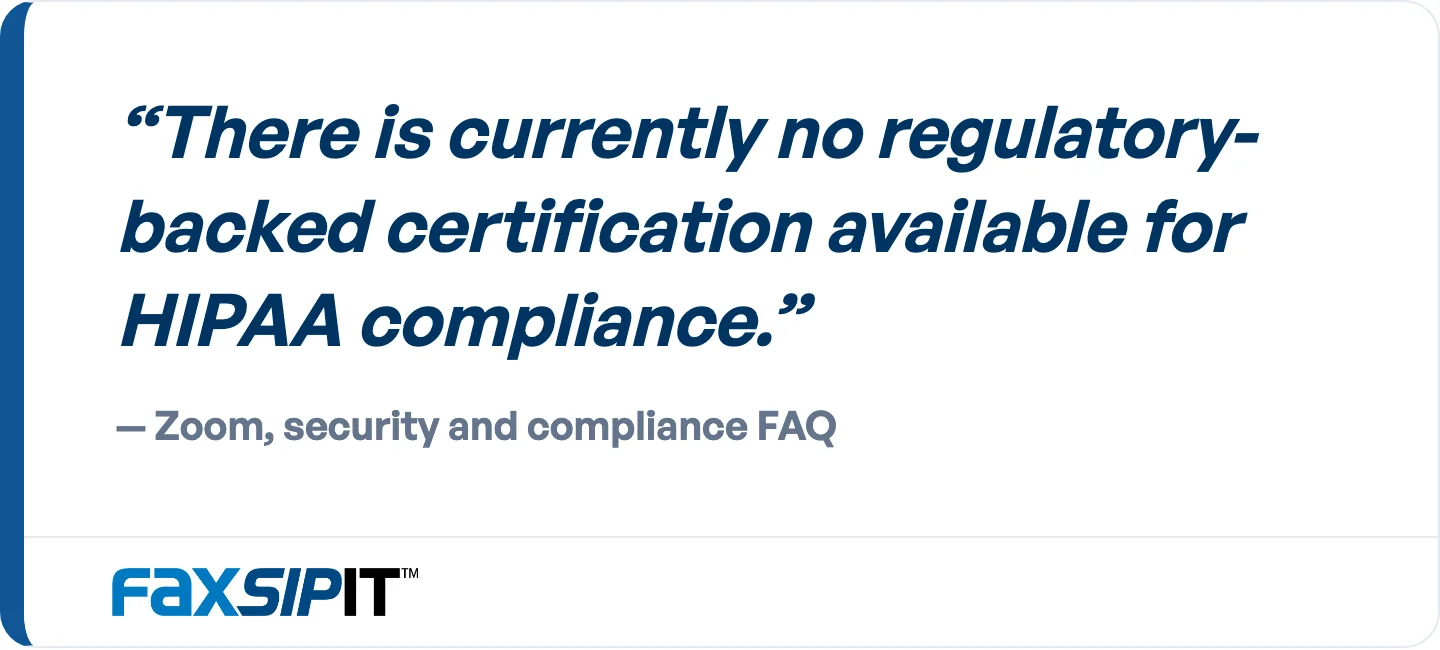
Zoom's own security and compliance FAQ. No software is HIPAA compliant as a product you buy.
That is why every honest answer here is conditional. Two clinics can run the very same Zoom app while one stays compliant and the other commits a violation. A covered entity (the healthcare provider, plan, or clearinghouse responsible for the PHI) has to do the work Zoom cannot do for it.
What Zoom for Healthcare Actually Is
Zoom for Healthcare is not a separate app you download. It is your paid Zoom plan brought under a signed BAA with the right security controls switched on. Zoom describes it as a way to use Zoom Workplace "while still enabling your privacy, security, and compliance goals." In plain terms, you keep the Zoom your staff already know, and the compliance layer sits underneath it.
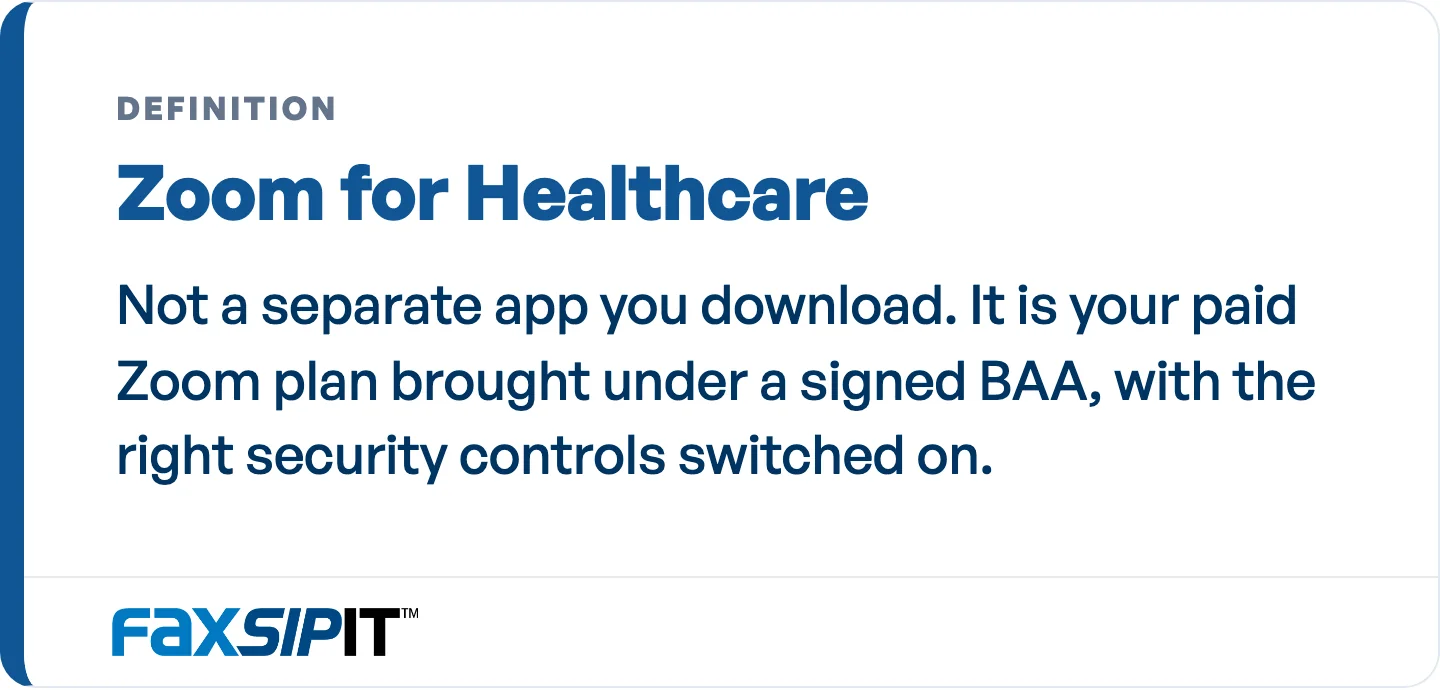
Not a separate app. The compliance layer sits underneath the Zoom your staff already know.
Only paid plans qualify. Zoom offers Pro, Business, Business Plus, and Enterprise plans to customers handling PHI, and the free and Basic tiers are excluded because no BAA is available on them. Zoom also signs BAAs with customers on its other paid plans, so if you are on a paid plan outside these four, ask rather than assume.
Zoom plan | Eligible for a HIPAA BAA? | Notes |
|---|---|---|
Free / Basic | No | No BAA available. Cannot legally carry PHI. |
Pro | Yes | BAA can be selected at checkout. Practical entry point for solo and small practices. |
Business / Business Plus | Yes | BAA executed through Zoom Sales. |
Enterprise | Yes | BAA executed through Zoom Sales. Built for larger organizations. |
Zoom's HIPAA Compliance Guide walks through the safeguards it applies across Meetings, Team Chat, Phone, and Contact Center. Zoom does not publish a definitive list of which products a BAA covers, so confirm the exact product scope in your own executed agreement rather than assuming it from a marketing page.
Zoom backs the platform with independent validation instead of a certification badge that does not exist. In its security and compliance FAQ, Zoom states that it "makes available a SOC 2 + HITRUST report, which aligns with AICPA Trust Services Principles." That validation is external evidence worth having, but it does not replace your own BAA and configuration.
How to Get Your Zoom BAA (It Is Not Automatic)
One of the most-missed steps in making Zoom compliant is the BAA, because Zoom does not hand it to you just because you paid. Some platforms bundle the agreement into their standard terms; Zoom does not. You have to request and execute it before any PHI touches the platform.
How you obtain the BAA depends on your plan, per Zoom's BAA support article:
Pro plan: select the BAA option at checkout when you subscribe.
Business, Business Plus, and Enterprise: contact Zoom Sales to execute the agreement.
Existing paid plans: enable it through Plan Management. Once the BAA is executed, Zoom notes that "no additional manual configuration is required" to put it in place.
Zoom's BAA is standardized. Covered entities cannot substitute their own version or negotiate custom terms. The work that matters is configuration and daily use, not contract language.
That one document is what makes Zoom your business associate and legally accountable for the PHI it processes on your behalf. Without it in force, there is no compliance to speak of, even on a perfectly locked-down account.
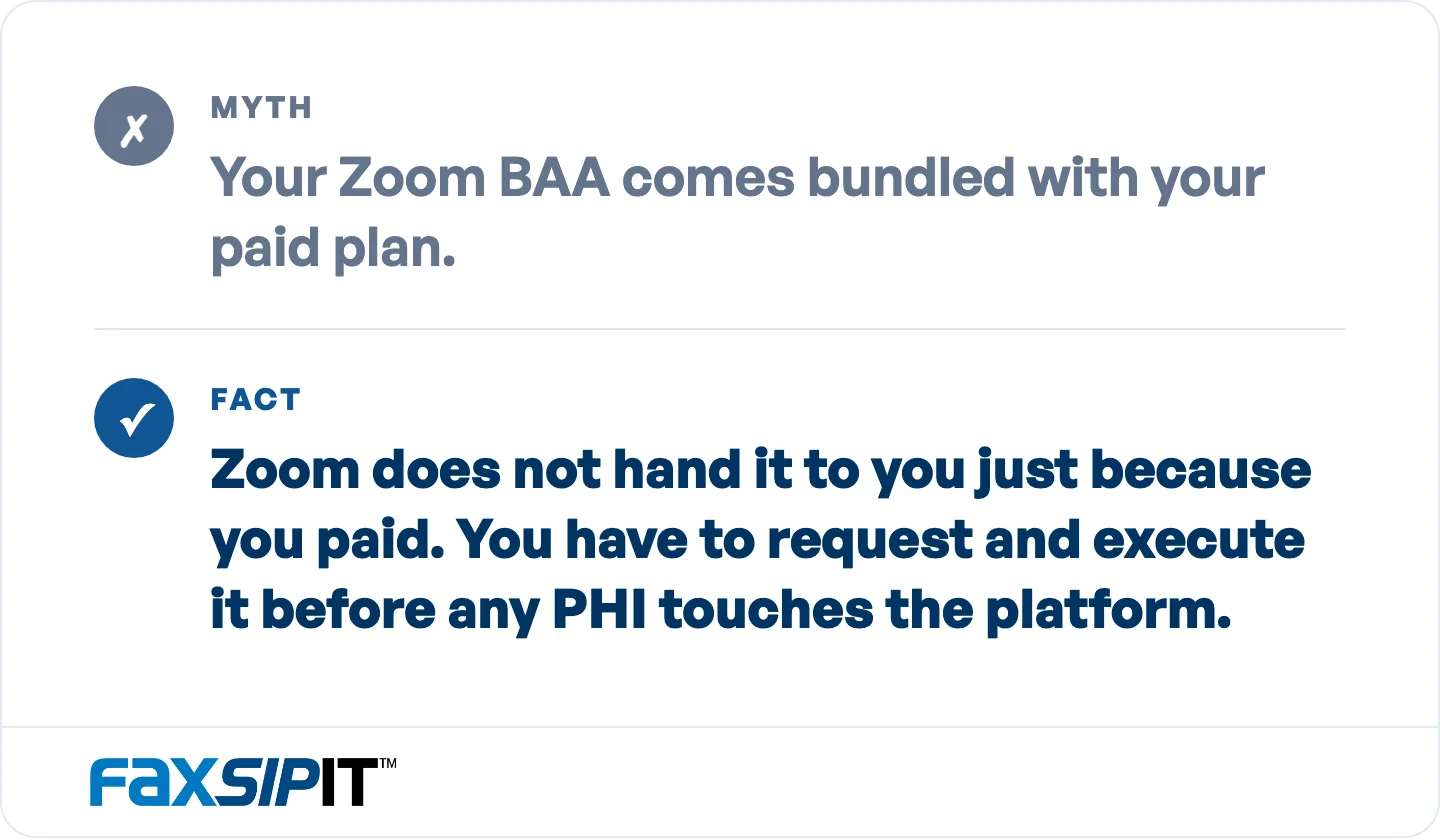
Some platforms bundle the agreement into their standard terms. Zoom does not.
How to Configure Zoom for HIPAA Compliance
The BAA is the contract; configuration is the other half of the job. Zoom sets some of these defaults for you and leaves the rest to you, and the defaults were not written with PHI in mind. Work through every setting below in your account before any patient data moves through it:
Control your recordings. Zoom recordings can land in Zoom's cloud, and on most paid accounts that is where they go unless you change it. Disable recording where you do not need it, restrict who can record, and bring any recordings you keep under your retention rules. This is the setting teams most often overlook.
Turn on waiting rooms and lock your meetings. Screen every participant in a waiting room, then lock the meeting once your expected attendees have joined so no one else can slip in.
Require passcodes and authentication. Passcode every meeting and require sign-in, so an anonymous participant cannot land on a call where PHI is discussed.
Limit screen sharing. Set screen sharing to host-only for any session where PHI could appear on screen.
Manage access and admin visibility. Restrict who can host PHI sessions, and know that account admins can view meeting reports for users on the account. Review those roles deliberately.
Verify patient identity before sharing PHI. A meeting link confirms that someone joined, not who they are. Confirm identity before you discuss anything protected.
Train staff and set policy. A signed BAA binds Zoom, but it does nothing about how your team actually behaves on a call. Pair the technical setup with clear rules on what can be said, shared, and recorded.
Zoom encrypts customer data in transit with TLS 1.2 or 256-bit AES-GCM and data at rest with a minimum of 256-bit AES-GCM, per its own HIPAA Compliance Guide. That matters, but encryption alone is not compliance. A platform can be encrypted and still be a HIPAA violation if there is no BAA and no proper configuration behind it. Treat this as maintenance, not a one-time setup. Roles change, people leave, and fresh accounts appear, so revisit these controls on a set schedule instead of assuming the first configuration still holds.

The setting teams most often overlook. Disable recording where you do not need it and bring the rest under your retention rules.
Using Zoom for Telehealth and Therapy
Zoom is compliant for telehealth on an eligible plan with a BAA and correct configuration, and it is common in private-practice psychotherapy, which is why so many therapists search for a straight answer here. A telehealth session holds protected health information just like a patient's file does, so it needs every bit of the care you put into the rest of your account.
One misconception is worth clearing up because it causes real confusion: the provider needs the compliant, BAA-covered Zoom account, not the patient. A client joining a session from free Zoom is fine. The practice's side is what has to be the paid, BAA-covered, properly configured plan. If you are the clinician, the compliance burden is yours.
For any patient-facing visit, two controls matter most. Verify identity before sharing PHI, and secure the meeting itself with a waiting room, a passcode, and locked entry so uninvited participants cannot join. Handle any recording under your retention rules.
Practitioners also flag the practical cost. The compliant setup takes a paid plan and real configuration effort, which is more than free Zoom asks, and some providers weigh other HIPAA telehealth platforms as a result. Options like Doxy.me and Cisco Webex exist in this category. The deciding questions are the same for all of them: will the vendor sign a BAA, and does the platform cover your whole PHI workflow, including the documents that still have to travel by fax.
Where Zoom's Own Fax Stops
Zoom Phone includes Online Fax, so a BAA-covered Zoom account can send and receive fax from the app. That covers the desk worker. It does not cover the rest of a regulated fax operation. Specialist referrals, prescription fills, signed orders, requests for records, and insurer paperwork still arrive on physical fax machines and multi-function devices, and they still have to leave from them. Zoom has no secure bridge for that hardware, no fax API to wire fax into a records system or EHR workflow, and no FCC-compliant fax headers. Those are the pieces a regulated fax operation runs on.
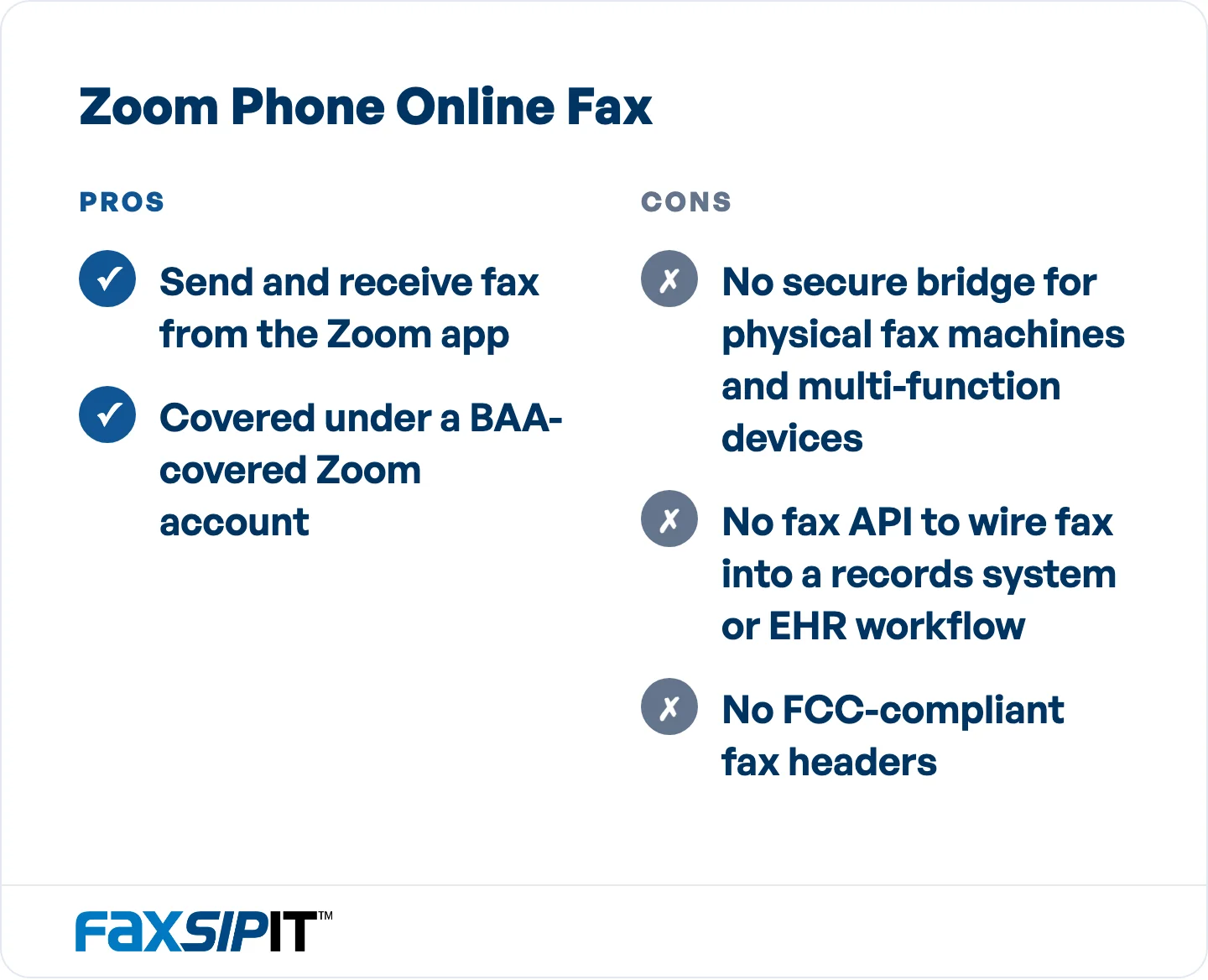
Where Zoom's own fax reaches, and where a regulated fax operation needs more. Source: the article's breakdown of Zoom Phone Online Fax.
Closing that gap is why we built FaxSIPit. We run it as a HIPAA-compliant cloud fax platform: cloud fax that works with your existing fax machines and the modern tools your team already uses, with a native app inside Zoom. You can send and receive fax inside Zoom with TLS-encrypted transport and a full delivery record for every fax, so a fax goes out from the same window your staff already keep open all day. Zoom named that app its App of the Month, and we partner with Zoom through the ISV Exchange. Our breakdown of Teams and Zoom Phone for enterprise faxing goes through where each platform's fax handling holds up and where it does not.
There is one more contrast worth naming, because it goes back to the theme of this guide. Where Zoom's BAA is plan-gated and something you have to request, we sign a BAA on every FaxSIPit plan, from Starter through Enterprise. Every fax runs over TLS-encrypted transport on every plan, we keep a full audit trail for each transmission, and you can tune retention to your own compliance window. Faxing is the whole of what we do, not a feature bolted onto a video or chat product. If your workflows still run on fax, our HIPAA-compliant fax page lays out how the platform is built.
Is the HIPAA Security Rule About to Change?
If you have heard that HIPAA's Security Rule is changing, the 2025 update is still only a proposal, not enforceable law. The Office for Civil Rights issued a Notice of Proposed Rulemaking that reached the Federal Register on January 6, 2025, with public comments due by March 7, 2025. The rule has not been finalized or enforced as of 2026, and the deadline for final action has slipped, now targeted for July 2027. Because those dates are non-binding, plan around the current rule and treat the update as pending.
What you have to satisfy right now is the Security Rule as it already stands, which OCR still enforces. Were the proposal adopted as written, it would raise the bar on technical safeguards, calling for measures like required multi-factor authentication, encryption, and tighter documentation. A Zoom for Healthcare account you have set up with care already meets much of that, so the work is not wasted.
Frequently Asked Questions
Is the free version of Zoom HIPAA compliant?
No, and it cannot be made compliant. Zoom does not offer a BAA on its free or Basic tiers, so those plans fall outside any compliance arrangement. Run patient information through free Zoom and you have broken HIPAA, full stop, with no setting that undoes it.
Do I need a special version of Zoom, or does my patient?
The provider needs the compliant, BAA-covered account. The patient does not. A client can join from any version of Zoom, including the free tier, while the clinician's side carries the paid Zoom for Healthcare plan, the signed BAA, and the correct configuration. The compliance responsibility sits with the covered entity.
How do I get a BAA from Zoom?
You request it, because it is not automatic. On a Pro plan you select the BAA option at checkout. On Business, Business Plus, and Enterprise plans you contact Zoom Sales to execute it. On an existing paid plan you enable it through Plan Management. The agreement must be in force before any PHI moves through Zoom.
Which Zoom plans can be HIPAA compliant?
Any paid plan with a BAA in force. Zoom names Pro, Business, Business Plus, and Enterprise as its healthcare plans, and says it also signs BAAs with customers on its other paid plans. Free and Basic cannot carry PHI because no BAA is available for them. Pro is the practical entry point for solo and small practices; Business and above are handled through Zoom Sales.
Can Zoom be used for telehealth and therapy?
Yes, on an eligible paid plan with a signed BAA and correct configuration. Zoom is used for telehealth and private-practice psychotherapy. Verify patient identity before sharing PHI, secure meetings with waiting rooms and passcodes, and control recordings, and remember that only the provider needs the compliant account.
Can Zoom send a HIPAA-compliant fax?
Zoom Phone includes Online Fax, so a BAA-covered Zoom account can send fax from the app under Zoom's BAA. What it does not do is connect the physical fax machines and multi-function devices most clinics and firms still run, expose a fax API, or apply FCC-compliant headers. We run as an app inside Zoom and add those pieces, so staff keep the tool they already have open and the rest of the fax operation still works.
The Bottom Line
Zoom becomes HIPAA compliant only when every piece is in place: an eligible paid Zoom for Healthcare plan, a BAA you have actually requested and executed, and configuration you own and keep current. The free tier is never an option, and paying for a plan does not make you compliant by itself. The two steps teams miss most are executing the BAA and controlling cloud recordings, so start there.
Zoom's own fax reaches the app user and stops there. It does not reach the physical fax machines, the API integrations, or the FCC-compliant headers a regulated fax operation runs on. That is the gap we close. We run FaxSIPit as our HIPAA-compliant cloud fax service for regulated healthcare, legal, and finance teams, built for fax and nothing else, named Zoom's App of the Month and delivered as a native app inside Zoom. It adds encrypted transport, a full audit trail, and a signed BAA on every plan to the paperwork Zoom was never built to carry. Our cloud fax platform shows how the fax side fits next to a compliant Zoom rollout.