




Hospitals need a fax service that signs a Business Associate Agreement on every plan, encrypts every page in transit, produces audit trails that hold up to OCR investigations, integrates with EHR systems, and handles thousands of pages per day without failed transmissions.
Most cloud fax vendors market HIPAA compliance, but gate it behind enterprise pricing, lack dedicated fax infrastructure, or offer no path for hospitals still running physical fax machines. The compliance gap is real: 21 HIPAA penalties were imposed in 2025 alone — the second-highest annual total on record.
We ranked nine services on BAA availability, encryption, audit trails, EHR integration, volume capacity, and physical machine support.
Key Takeaways
BAA on the plan you buy is non-negotiable. Plan-gated HIPAA is the most common trap. If a vendor only signs a BAA on an enterprise tier, every fax sent on a lower plan is a compliance violation from day one.
Dedicated fax infrastructure outperforms bolt-on fax. When fax is an add-on to general voice or unified communications infrastructure, transmissions compete for shared resources with no retry logic or alternate routing. A dedicated, managed fax platform is built specifically for transmission reliability.
Physical machine migration is a real requirement. Many hospitals still use multifunction printers and standalone fax machines at nursing stations. Services with ATA hardware or print-to-fax drivers bridge existing equipment to an encrypted cloud without a rip-and-replace.
EHR integration determines workflow fit. Faxes that flow directly into patient records via API eliminate manual sorting. Without integration, cloud fax creates a second inbox that staff ignore.
Audit trails decide OCR investigations. Sender, recipient, timestamp, and delivery confirmation per fax. If you cannot produce this for every transmission, you cannot defend the workflow during an HHS Office for Civil Rights investigation.
What Hospitals Should Look for in a Fax Service

A hospital fax service operates under higher stakes than a general business fax solution. The average HIPAA settlement reached $1.2 million in 2025, and risk analysis failures remain the most cited violation category according to HIPAA Journal's enforcement tracker. A fax service that lacks any of the following creates compliance exposure every time staff sends protected health information.
BAA availability on every plan. A Business Associate Agreement is not optional. Under 45 CFR § 164.308(b), covered entities must obtain satisfactory assurances from business associates before PHI can flow. A vendor that signs BAAs only on enterprise tiers leaves smaller departments exposed.
Encryption in transit and at rest. TLS 1.2 or higher for data in transit is the minimum. AES-256 at rest protects stored faxes if systems are breached. Business associates were involved in 34% of healthcare data breaches reported to HHS OCR in 2025, according to HIPAA Journal.
Audit trails with delivery confirmation. Every fax needs a record: sender, recipient, timestamp, page count, and delivery status. These logs are what OCR requests during breach investigations.
EHR/EMR integration via API. Hospital fax volume flows into patient records. Without API integration (REST or SOAP), incoming faxes sit in a web portal requiring manual download and upload into the EHR. This breaks the workflow and introduces human error.
Volume capacity at scale. Hospital departments (pharmacy, radiology, referrals, admissions) collectively send thousands of pages daily. Per-page overage charges at $0.05+ add up fast at hospital volume. Pricing transparency matters.
Physical fax machine support. Not every hospital is ready to eliminate physical machines. Nursing stations, satellite clinics, and specialty departments may need walk-up fax capability. ATA hardware adapters or print-to-fax drivers bridge existing equipment to cloud infrastructure.
Number portability. Hospitals will not adopt a new service if it means losing established fax numbers that are printed on referral forms, provider directories, and EHR routing tables.
Multi-department management. Role-based access, shared queues, department-level routing, and centralized admin portals. Hospital IT needs visibility across the organization without giving every user full access.
Top 9 Fax Services for Hospitals
1. FaxSIPit: Best for Hospital Infrastructure Migration
We built FaxSIPit for organizations where a failed fax has regulatory, legal, or patient-safety consequences. Our HIPAA-compliant cloud fax platform includes BAA signing on every plan, from Starter through Enterprise, with TLS encryption on all fax traffic.
What makes us different for hospitals:
Dedicated fax network. We operate a purpose-built fax network in a high-availability, fault-tolerant architecture. Fax transmissions run on infrastructure designed specifically for fax reliability, not shared VoIP or general cloud platforms with fax bolted on.
Intelligent multi-carrier retry. If one carrier path fails, our system automatically reroutes through alternative carriers. Hospital fax cannot afford single points of failure.
SecureFax-ATA. Our proprietary hardware adapter connects existing physical fax machines and multifunction printers to our encrypted cloud. Hospitals keep their machines, shared numbers, and routing rules while moving to HTTPS-secured transport underneath. No rip-and-replace.
UCaaS integrations. Send and receive fax from Microsoft Teams, Zoom, Copilot, Google Workspace, and Outlook. Staff use tools they already know. No new software to learn.
REST API. Connect directly to EHR/EMR systems — including Epic, the most widely used EHR in US healthcare — for automated fax routing into patient records.
7-year unlimited storage. All plans include up to 7 years of fax archive, matching healthcare record retention requirements.
White-glove migration support. Our team mirrors existing on-premises fax server workflows during migration, reducing operational disruption. Organizations can modernize infrastructure without retraining staff or rebuilding routing rules from scratch.
Pricing (as of May 2026):
Starter: $15.00/mo (1 line, 1 user, 200 pages)
Pro: $40.00/mo (3 lines, 10 users, 1,000 pages)
Business: $100.00/mo (10 lines, 25 users, 2,500 pages)
Enterprise: Enterprise deployments for hospital systems start at $600/mo for 100 lines, 300 users, and 10,000 pages, with custom pricing for larger or multi-location configurations
We also operate one of the largest fax channel programs in the industry, with 300+ reseller partners across 40+ countries, enabling hospitals to procure through existing telecom or IT vendors.
2. mFax: Best for Mobile Healthcare Teams
mFax (by Documo) is the dominant AI Overview citation for healthcare fax in 2026. The platform offers BAA signing, encryption, and user management designed for medical environments. mFax lists four requirements as non-negotiable for healthcare fax: BAA signing, AES-256 encryption, audit logs, and two-factor authentication for secure access.
Hospital-relevant features: Mobile-first interface for on-call physicians, document scanning and enhancement, granular user management with role-based permissions, and an API for EHR connectivity. The platform supports HIPAA-required access controls, including 2FA and offers encrypted storage for archived faxes.
Considerations: Pricing is not publicly listed and requires a sales conversation. No ATA hardware option for hospitals with physical fax machines that need cloud migration. Infrastructure details (network architecture, carrier redundancy, failover behavior) are not publicly disclosed. No UCaaS integrations with Teams or Zoom listed.
Best for: Hospital teams prioritizing mobile access, strong access controls, and a healthcare-focused interface without legacy infrastructure migration needs.
3. SRFax: Best for High-Volume Hospital Departments
SRFax offers healthcare-specific pricing tiers designed for institutional volume. Plans scale from 200 pages/month to 20,000 pages/month with clear per-page pricing.
Hospital-relevant features: 2048-bit SSL encryption with optional PGP, BAA available, PHIPA compliant (relevant for cross-border with Canada), email-to-fax, API integration, printer driver, OCR for text-searchable archives, number portability, and unlimited storage.
Pricing (as of May 2026):
Healthcare Lite: $12.60/mo (200 pages)
Basic: $16.05/mo (500 pages)
Standard: $41.35/mo (1,500 pages)
Professional: $137.90/mo (5,000 pages)
Professional Plus: $275.75/mo (10,000 pages)
Professional Premium: $551.55/mo (20,000 pages)
Overage: $0.05/page (drops to $0.04 at higher tiers)
Considerations: No ATA hardware for physical machines. Encryption is SSL-based (not TLS 1.2+ as a specified baseline). No UCaaS integrations listed.
Best for: Hospital departments with predictable, high-volume fax needs that want transparent per-page pricing and HIPAA compliance without enterprise sales calls.
4. Fax.Plus: Best for Security and Integrations
Fax.Plus uses 256-bit AES encryption and positions strongly on security certifications. BAA is available on Enterprise plans. The platform includes API integrations for EHR systems and mobile apps for iOS and Android.
Hospital-relevant features: AES-256 encryption (data at rest and in transit), BAA on Enterprise plans, API for EHR connectivity, mobile faxing for physicians, and team management.
Considerations: HIPAA features are gated behind the Enterprise plan. Smaller hospital departments or satellite clinics on standard plans may not have BAA coverage. Pricing for Enterprise is not publicly listed.
Best for: Hospitals that prioritize encryption depth and need mobile fax access for clinical staff, provided they qualify for the Enterprise tier.
5. eFax Corporate: Best for Multi-Location Hospital Networks
eFax Corporate is a long-established enterprise fax solution designed for organizations with multiple locations and high aggregate volume. BAA is available on Corporate plans. The platform has been in the enterprise fax space for over two decades and serves large hospital systems with centralized fax routing across facilities.
Hospital-relevant features: Multi-location management with centralized admin, ERP/EHR integrations for automated document routing, high-volume capacity built for enterprise throughput, and the ability to manage hundreds of fax numbers across hospital campuses from a single dashboard.
Considerations: Pricing requires a sales conversation and is not publicly listed. HIPAA compliance is limited to Corporate-tier plans (standard eFax plans do not include BAA). The platform is part of Consensus (formerly j2 Global). Limited public documentation on network architecture, encryption protocols, and failover behavior.
Best for: Large health systems with 5+ facilities that need centralized fax management, unified reporting, and one enterprise agreement covering all locations.
6. Concord Cloud: Best for Document Routing and Automation
Concord Cloud differentiates on intelligent document handling. The platform uses machine learning to classify incoming faxes, extract data, and route documents to the correct department or queue automatically.
Hospital-relevant features: ML-powered document classification, text-searchable archives, shared queues, automated routing by department, audit trails, and BAA availability. Regular third-party security audits.
Considerations: Pricing is not publicly listed. Limited public information on fax infrastructure and delivery architecture.
Best for: Hospitals with high inbound fax volume that need automated sorting, classification, and routing to reduce manual triage.
7. Sfax: Best for Ease of Use
Sfax is tailored specifically for healthcare with a focus on compliance and a user-friendly interface. BAA is available. The platform is designed for organizations that need a HIPAA-compliant fax without requiring significant IT resources to deploy and manage.
Hospital-relevant features: Healthcare-focused design, HIPAA compliance, BAA signing, and an interface built for non-technical clinical staff. The platform handles encryption and compliance configuration without requiring IT teams to manually configure security settings.
Considerations: Limited publicly available feature documentation and pricing at the time of check. Less data available on encryption standards (specific protocols not disclosed publicly), API capabilities for EHR integration, and infrastructure architecture compared to other options on this list. Hospitals with complex integration requirements should confirm API availability before committing.
Best for: Smaller hospital departments, outpatient clinics, or specialty practices where staff adoption is the primary concern and IT resources for custom integration are limited.
8. RingCentral: Best for Hospitals on Unified Communications
RingCentral includes fax as part of its broader unified communications platform. Hospitals already using RingCentral for phone and video can add HIPAA-compliant fax without introducing a separate vendor or managing a second compliance relationship.
Hospital-relevant features: HIPAA compliance support with BAA available, high page allotments for institutional volume, mobile apps for remote clinicians, and native integration with the broader RingCentral phone and video platform. Consolidating vendors under one BAA simplifies compliance documentation.
Considerations: Fax is an add-on to the communications platform, not the primary product. Hospitals not already on RingCentral would need to adopt the full UC suite or purchase fax as a standalone, which may not be cost-effective. No ATA hardware for physical machine migration. Limited hospital-specific fax features (no intelligent document routing, no fax-specific API) compared to purpose-built fax platforms.
Best for: Hospitals already running RingCentral for phone and video that want to consolidate fax under the same vendor, same BAA, and same admin portal.
9. Doximity DocFax: Best Free Option for Individual Physicians
Doximity DocFax offers free, HIPAA-compliant fax for verified US clinicians. The platform requires no subscription and provides unlimited pages, customizable cover sheets, and sign/edit/annotate capabilities directly from a mobile device or browser.
Hospital-relevant features: Free HIPAA-compliant fax, unlimited pages, no per-page charges, no subscription required. Physicians can send faxes from their phone without involving hospital IT or institutional fax infrastructure.
Considerations: Requires a verified Doximity account (clinician verification only, not available for administrative staff). Not designed for hospital-wide deployment. No admin portal, no multi-user management, no department routing, no centralized audit trail for institutional compliance. Cannot port existing hospital fax numbers. Individual physician tool only.
Best for: Individual physicians, residents, and specialists who need occasional fax capability without institutional IT involvement. Useful as a supplement to hospital-wide fax, not a replacement for it.
Hospital Fax Service Comparison (Enterprise Tier)
Feature | FaxSIPit | mFax (Documo) | SRFax | Fax.Plus | eFax Corporate | Concord Cloud | Sfax | RingCentral | Doximity |
BAA | All plans | All plans | Healthcare plans | Enterprise only | Corporate only | Yes | Plus and above | On request | Yes |
Encryption | TLS in transit | AES-256 + TLS 1.2 | SSL + PGP | AES-256 + TLS | AES-256 + TLS 1.2 | Yes | TLS + AES-256 | TLS + AES-256 | Yes |
Enterprise Price | $600/mo (100 lines, 300 users, 10,000 pages) | Contact sales | ~$253/mo (10,000 pages) | Contact sales | Contact sales | Contact sales | Custom (2,500+ pages) | $28/mo per user (3,000 pages per user) | Free (clinicians only) |
ATA Hardware | Yes | No | No | No | No | No | No | No | No |
EHR/API Integration | REST API | REST API, IDP/OCR | REST API | REST API (Enterprise) | REST API (Corporate) | Yes (Epic, Athena, Cerner) | API (Contender+) | REST API | No |
Max Pages/mo | 10,000 (custom above) | 6,000 (custom above) | 10,000 | 4,000 | Custom | Custom (high-volume) | 2,500+ (custom above) | 3,000/user or unlimited | Unlimited |
Reading this table: Enterprise pricing varies by structure. RingCentral charges per user — at 300 users, that totals $8,400/mo for 3,000 pages per user. Doximity is free but restricted to licensed clinicians (MDs, DOs, NPs, PAs, pharmacists) and lacks admin portals, API access, and team management. eFax Corporate and Concord Cloud require contacting sales for enterprise quotes. FaxSIPit's enterprise tier includes 100 lines, 300 users, and 10,000 pages at $600/mo, with custom pricing for larger or multi-location configurations.
How to Switch Your Hospital's Fax Service Without Disrupting Operations
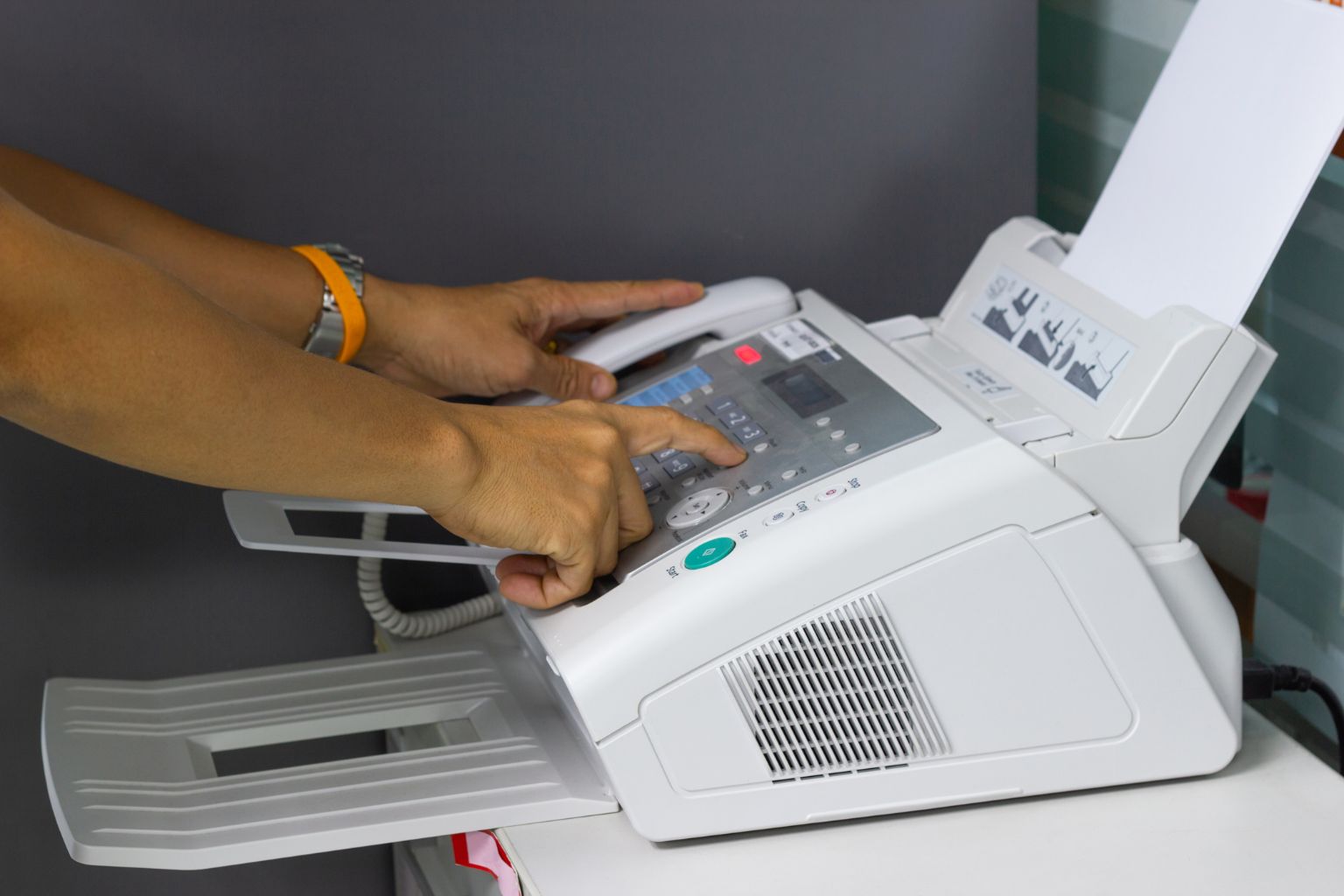
Switching fax providers in a hospital environment carries a higher risk than in a standard office. Failed faxes during cutover can delay prescriptions, referrals, and lab results. Unlike a general business switching fax services, hospitals face regulatory exposure if PHI is transmitted through an uncovered service during the transition. A structured migration prevents gaps.
Confirm number portability first. Contact the new provider and verify they can port your existing fax numbers before canceling anything. Hospital fax numbers are embedded in referral networks, EHR routing tables, provider directories, and printed forms. Losing a number means months of missed faxes.
Audit the current volume by department. Pull 90 days of fax logs. Identify which departments send the most pages, which numbers receive the highest inbound volume, and what the peak daily page count looks like. This determines your pricing tier and whether you need enterprise capacity.
Check EHR integration compatibility. Confirm the new provider offers REST or SOAP API connectivity that works with your EHR system. Request API documentation and test in a staging environment before going live.
If keeping physical machines, confirm ATA compatibility. Hospitals with standalone fax machines or MFPs at nursing stations need hardware adapters or print-driver solutions. Our SecureFax-ATA connects existing machines to an encrypted cloud without replacing equipment.
Run parallel for 30 days. Maintain both old and new services simultaneously during transition. Route inbound to both. Compare delivery logs. Confirm nothing is being dropped before full cutover.
Update compliance documentation. Revise your BAA records, update your risk assessment, and document the new vendor in your business associate inventory. OCR expects current records. Ensure the new BAA is signed and filed before the first fax containing PHI is sent through the new service. Business associates were involved in 34% of healthcare data breaches reported to HHS in recent years, making vendor documentation a priority during any transition.
For a deeper comparison of cloud fax versus on-premises fax server architecture, see our cloud fax vs fax server guide.
FAQs
Is fax HIPAA compliant?
Fax is not automatically HIPAA compliant. The transmission method (analog phone line, cloud service, or email-to-fax) must be implemented with a signed BAA, encrypted transport, access controls, and audit trails to meet HIPAA Security Rule requirements. A cloud fax service that does not sign a BAA exposes every fax containing PHI as a potential violation. See our full breakdown of HIPAA fax requirements.
Do hospitals still use fax machines?
Yes. Fax remains one of the most common communication methods in healthcare, particularly for transmitting patient records, prescriptions, referrals, and lab results between providers. Many hospitals maintain physical fax machines alongside cloud fax, particularly at nursing stations, pharmacy departments, and satellite clinics where walk-up access is needed. Services with ATA hardware adapters (like our SecureFax-ATA) bridge these existing machines to an encrypted cloud infrastructure without requiring equipment replacement.
What is a BAA and why does it matter for hospital fax?
A Business Associate Agreement is a written contract between a covered entity (the hospital) and any vendor that creates, receives, maintains, or transmits protected health information on the hospital's behalf. Under HIPAA, sending patient information through a fax service without a signed BAA is a violation, regardless of whether the service encrypts the data. The BAA establishes the vendor's legal obligation to protect PHI and defines breach notification responsibilities.
The Bottom Line
The best fax service for a hospital combines BAA availability on every plan, encrypted transport, delivery audit trails, EHR integration, and the infrastructure capacity to handle institutional volume without failed transmissions. Physical machine support and number portability matter for hospitals with legacy equipment still in active use.
FaxSIPit is a HIPAA-compliant cloud fax service built on a dedicated fax network, with BAA signing on every plan, SecureFax-ATA for physical machine migration, and EHR connectivity through REST API. We co-created HTTPS faxing in 2008 and have spent 30+ years building fax infrastructure for regulated environments.
See how we handle HIPAA-compliant fax for hospitals, or explore our enterprise and institutional solutions for multi-location deployments.