How to Use FaxSIPit Fax for Microsoft Teams | FaxSIPit Support
Getting Started





Overview
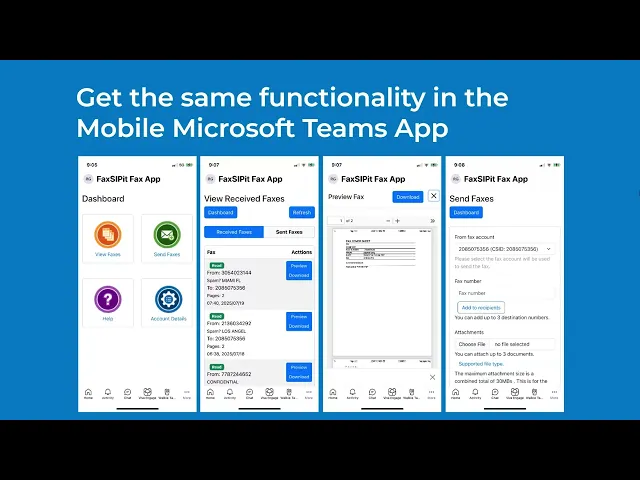
FaxSIPit Fax for Microsoft Teams lets you send and receive faxes without leaving your Teams workspace. Once installed, the fax dashboard is available directly inside Teams with four sections:
Received Faxes — view and download incoming faxes
Send Fax — send outbound faxes
Sent Reports — track fax delivery status
Account — your fax account details
Sending a Fax
Enter the recipient's fax number.
Upload your document. Supported formats include PDF, Word, and common image types.
Optionally add a cover page with your name, company, subject, and message.
Click Send. Delivery status is available immediately in your Sent Reports.
Receiving Faxes
Incoming faxes appear directly in the app, flagged as new. Click any fax to preview it or download it to your workstation.
Shared Lines
FaxSIPit's shared lines feature lets you select which fax number to send from — useful for teams or departments that share a fax account.