How to Use Groups in the FaxSIPit Administrator Portal
Getting Started





Groups let you organize your fax users within the FaxSIPit administrator portal — similar to folders. You can create as many subgroups as needed to match your organization's structure and get separate reporting for different user bases.
Accessing Groups
The Groups area is accessible from three places:
The Dashboard (landing page on sign-in)
The top navigation bar
The left side panel (always visible)
Understanding the Group Structure
When you first sign in, you'll have one group: your root parent organization. All subgroups are created within this structure.
Creating a Subgroup
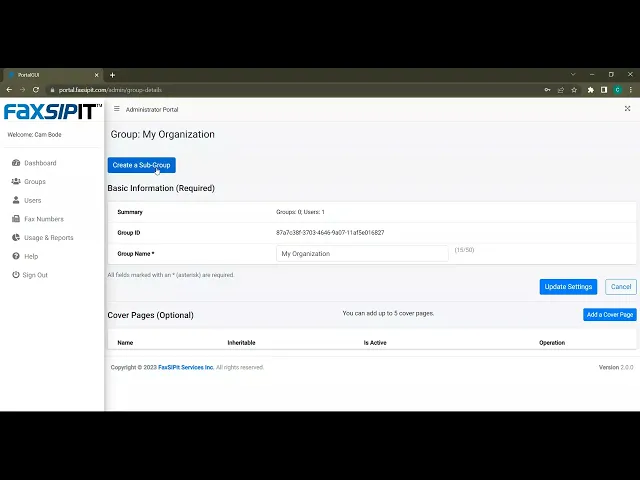
Go to the Groups area.
Select a parent group — for a new subgroup, select your root organization.
Review the group details and click Create Subgroup.
Enter a name for the new group.
Click Create and wait for the success confirmation.
The new subgroup will appear in your groups list.
Example Structure
A typical setup might look like this:
My Organization (root)
Accounting Team
Service Team
Create subgroups wherever you need separate reporting or distinct user management.