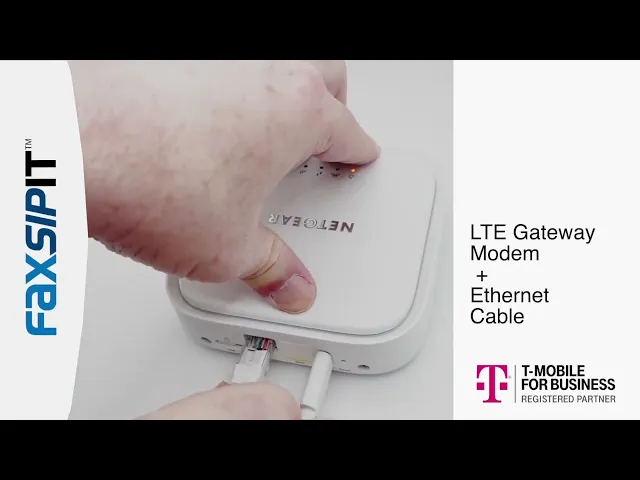
LTE Gateway T-Mobile + FaxSIPit ATA setup
Getting Started





Unboxing & Quick Setup: LTE Gateway + Secure Fax ATA
What's in the Box
LTE Gateway
Modem
Power cube
USB cable
Connect cable
Secure Fax ATA
ATA unit
Power cable
Connect cable
Setup Steps
1. Install the SIM card
If the SIM card did not come pre-installed in your LTE gateway, install it now before proceeding.
2. Connect the gateway to power
Plug the gateway into power using the included power cube.
3. Connect the gateway to ethernet
Run the ethernet cable from the gateway to your network.
4. Connect the ATA to the gateway
Use the included connect cable to link the ATA to the gateway via ethernet.
5. Connect the ATA to power
Plug the ATA into power using its power cable.
6. Connect your fax machine
Plug your fax machine into the ATA.
7. Wait for the connection lights
Allow up to 5 minutes for the device to connect and the indicator lights to stabilize.
8. Send a test fax
Once the lights are steady, try sending your first fax to confirm everything is working.
Need Help?
If you run into any issues, contact FSI support or reach out to your reseller.