Using the FaxSIPit App for Zoom
Getting Started





Overview
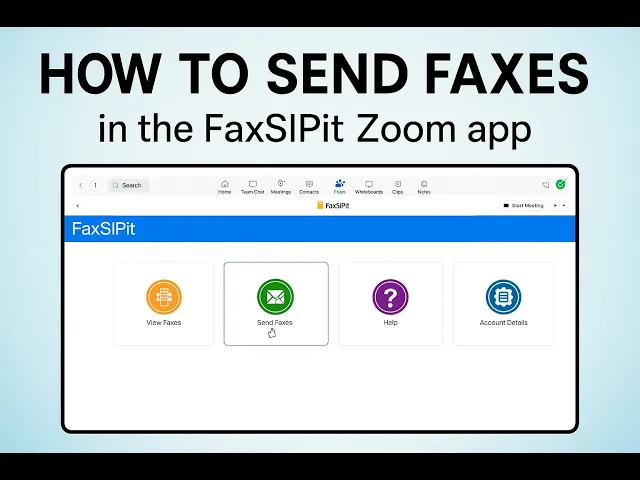
The FaxSIPit app lets you send and receive faxes securely from within Zoom. Access it from the Apps area in your Zoom client.
The dashboard has four sections:
Received Faxes — view incoming faxes
Send Fax — send outbound faxes
Help — usage guides
Account — your fax account details
Viewing Received Faxes
Open Received Faxes from the dashboard.
Faxes are listed newest to oldest. Each entry shows:
Sender caller ID
Sending station identifier
Page count
Date and time received
Click any fax to open a preview.
To save the file, use the download link in the top right corner — the file will save to your browser's default downloads folder.
Sending a Fax
From the dashboard, select Send Fax.
Enter a destination fax number in the Recipients field. You can add up to three recipients total.
Click Choose File to attach a document from your workstation.
Optionally, fill in the Cover Page fields: To, From, Subject, and Message.
Click Send Fax.
A confirmation will appear once the fax has been accepted by the network. Transmission typically takes about 30 seconds per page.
To check status, open the Sent report. The job will show as processing until complete, then update to Completed once successfully delivered.