



On-premises fax servers are expensive to maintain, increasingly difficult to staff, and falling behind on compliance requirements. If your IT team is managing an aging RightFax, GFI FaxMaker, Biscom, or XMedius installation, you already know the pressure to modernize without disrupting the fax workflows your organization depends on.
At FaxSIPit, we have been in the fax infrastructure business since 1991. We were part of the team that developed HTTPS faxing in 2008, and we shipped the first HTTPS-capable ATA device a year later. Thirty-five years of watching organizations struggle with fax server maintenance is exactly why we built a cloud alternative.
This guide compares eight fax server replacements evaluated specifically for migration from on-premises infrastructure. Each entry covers compliance posture, migration support, and the deployment model that fits your environment. We also include a pre-migration checklist and guidance for maintaining HIPAA compliance through the transition.
Key Takeaways
Cloud fax platforms can reduce on-prem server costs significantly. Retarus reports up to 80% savings over five years by eliminating hardware maintenance, telecom fees, and dedicated IT overhead, and independent market analysis points to similar efficiency gains across the cloud fax category.
RightFax is the most commonly replaced fax server product. Multiple cloud vendors offer specific migration paths from OpenText RightFax, including direct telephony layer replacement and full workflow migration.
Hybrid deployment is the safest migration path. Running cloud and legacy systems in parallel during a pilot period catches integration gaps and ensures compliance continuity before cutover.
HIPAA compliance varies by plan tier, not just by vendor. Some services lock BAA signing and encryption behind enterprise pricing, while others include it on every plan, starting under $15 per month.
Quick Comparison: Fax Server Replacements at a Glance
Vendor | Best For | Starting Price for Enterprise Tier | HIPAA (All Plans?) | Migration Support | Hardware Bridge |
|---|---|---|---|---|---|
FaxSIPit | Decommissioning fax servers while keeping existing machines | Contact Us | Yes | BYOC, number porting, ATA | SecureFax-ATA |
etherFAX | Hybrid deployments that keep existing fax server software | Contact | Yes (HITRUST, FedRAMP) | RightFax integration, ERIS | Replaces telephony layer |
Retarus | Multi-site enterprise server decommission | Contact | Yes (SOC 2, ISO 27001, HITRUST) | Managed migration | N/A |
Concord | RightFax-to-cloud migration | Contact | Yes | RightFax workflow migration | N/A |
eFax Corporate | High-volume organizations needing HITRUST certification | Contact | Yes (HITRUST) | Dedicated account manager | N/A |
mFax (Documo) | Healthcare teams replacing desktop fax software | Contact | Yes | Self-serve setup | N/A |
iFax | Mid-market with built-in migration guidance | Contact | Plus plan+ ($24.99/mo) | Migration checklist and parallel pilot guide | N/A |
Softlinx ReplixFax | Healthcare fax workflow automation with EHR routing | Contact | Yes | Epic integration, OCR barcode routing | N/A |
Top 8 Fax Server Replacements & Alternatives
Each vendor is evaluated on migration support, compliance coverage, platform reliability, integration depth, and pricing structure.
1. FaxSIPit: Best for Decommissioning Fax Servers While Keeping Existing Machines
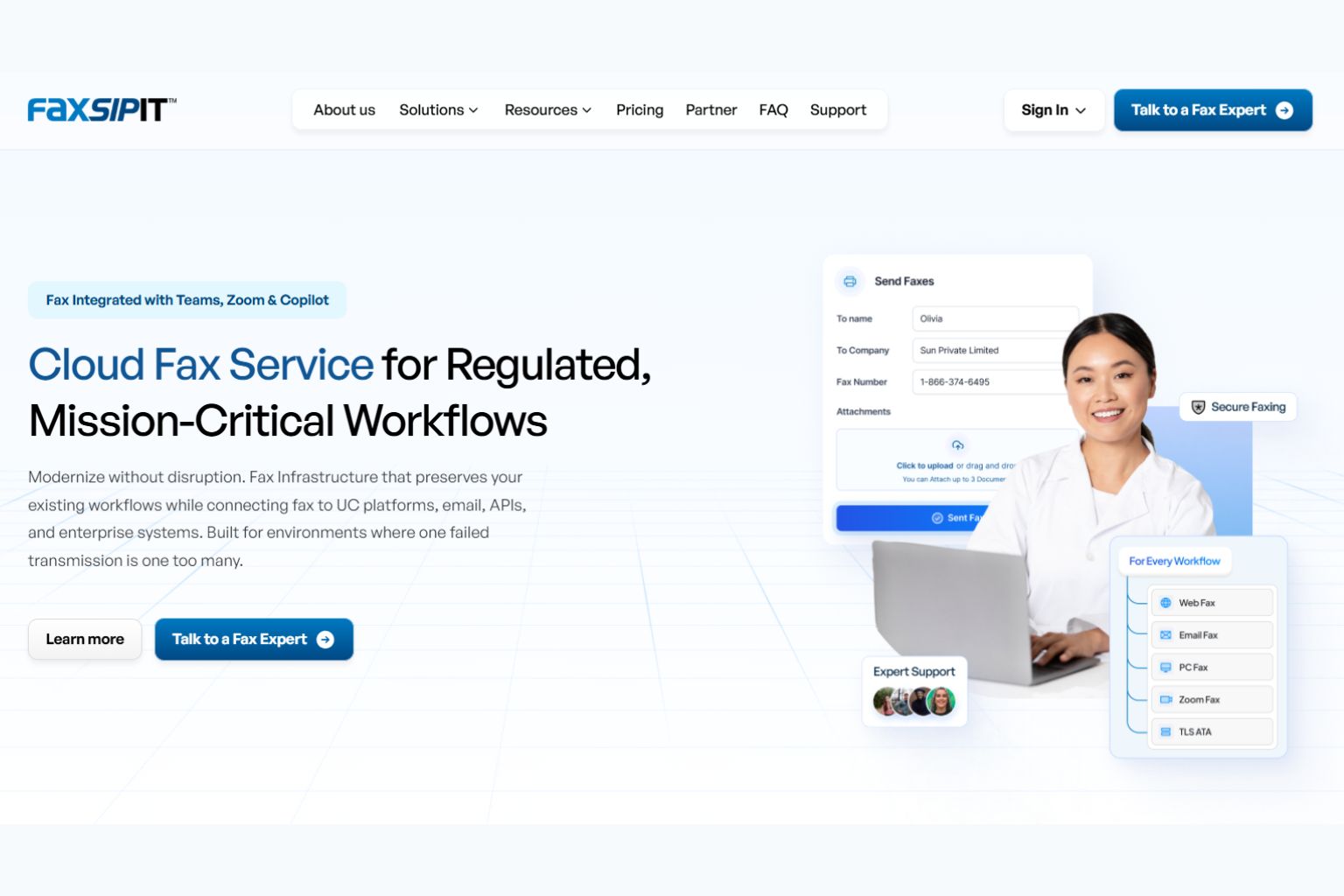
FaxSIPit is a HIPAA-compliant cloud fax platform that runs on a dedicated fax network with intelligent multi-carrier retry. We designed it specifically for organizations in healthcare, legal, finance, and government where a failed fax means a delayed prescription, a missed court filing, or a compliance gap.
For fax server replacement, the key product is SecureFax-ATA. This proprietary adapter connects existing physical fax machines and multifunction printers to our encrypted cloud infrastructure. Your team keeps the machines on their desks, the shared fax numbers they already know, and the routing rules they depend on. The infrastructure underneath changes from an on-premises server to a managed cloud platform, but the daily workflow stays the same.
We also offer BYOC (Bring Your Own Carrier), which means you do not have to switch carriers on day one. You can migrate incrementally, moving lines to our network as each department is ready. Our REST API handles integration with EHR, ERP, and CRM systems. Teams fax directly from Zoom, Microsoft Teams, Google Workspace, Copilot, and Outlook without leaving those tools.
Transmission data across our network shows a 95%+ delivery success rate, compared to the 70 to 80% typical of raw T.38 connections. That gap matters most during migration, when failed faxes erode confidence in the new system. The improvement comes from the managed platform layer: always-available capacity, optimized carrier selection, TLS/HTTPS delivery, and automatic rerouting through alternate carrier paths when a transmission encounters an issue.
HIPAA compliance, a signed BAA, TLS-encrypted transport, full audit trails, and up to seven years of retention are included on every plan. No compliance surcharge. No enterprise gate.
Pricing: Starter at $15 per month (1 line, 1 user, 200 pages), Pro at $40 per month (3 lines, 10 users, 1,000 pages), Business at $100 per month (10 lines, 25 users, 2,500 pages). Enterprise and institutional pricing is set per deployment. Contact us for a quote.
Strengths: Dedicated fax network with multi-carrier retry. SecureFax-ATA for physical machine migration. BYOC for gradual carrier transition. Full API stack. HIPAA on every plan.
Consideration: Built for regulated and high-volume fax. A single user sending the occasional one-off fax has lighter options.
2. etherFAX: Best for Hybrid Deployments That Keep Existing Fax Server Software
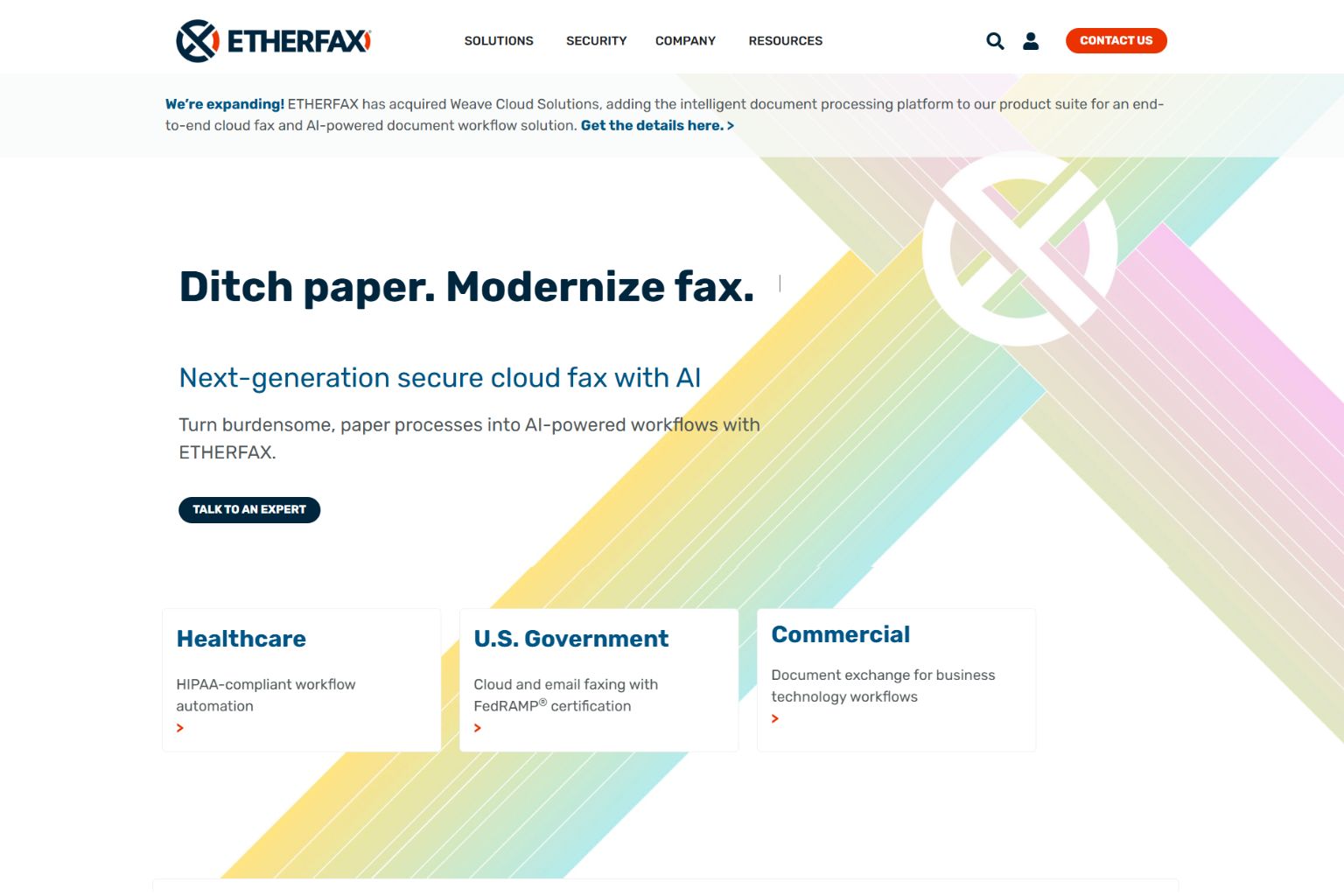
etherFAX takes a different approach to fax server replacement. Instead of replacing the fax server software itself, etherFAX replaces the telephony layer underneath it. Organizations running RightFax can keep the application but swap out PRI lines, FoIP boards, and PSTN connections for etherFAX's cloud-based Secure Exchange Network.
This hybrid model works well for organizations that have invested heavily in RightFax customization and workflow automation. The fax server software stays, the telephony infrastructure goes. etherFAX's ERIS (Remote Integration Service) handles rapid deployment, and a direct integration with Hyland simplifies the connection.
etherFAX holds HITRUST certification and offers a FedRAMP-certified option for federal government agencies. Their network supports T.38 and HTTPS transport protocols.
Pricing: Enterprise. Contact etherFAX for pricing.
Strengths: Keeps existing fax server software intact. Eliminates PRI/analog infrastructure costs. FedRAMP option for government. Direct RightFax integration.
Consideration: Not a full platform replacement. Organizations still manage the fax server software, patches, and server hardware. This is a telephony modernization, not a complete migration to cloud fax.
3. Retarus: Best for Multi-Site Enterprise Server Decommission

Retarus is a European-headquartered enterprise communications provider with global data centers across the US, EU, and Asia-Pacific. Their cloud fax platform includes a managed migration service specifically for organizations decommissioning fax servers across multiple locations.
Retarus reports up to 80% cost savings over five years compared to maintaining on-premises fax infrastructure. Their NeverBusy Technology manages high-volume transmission queues, and they hold SOC 2, ISO 27001, HITRUST, and TX-RAMP certifications. The pay-per-use pricing model means you pay for transmission volume, not server licenses.
Pricing: Pay-per-use. Contact Retarus for a quote.
Strengths: Managed migration for multi-site decommission. Global data center coverage. Pay-per-use model eliminates licensing. Strong certification stack.
Consideration: Retarus primarily targets large enterprises. Smaller organizations may find the sales cycle and deployment timeline longer than self-serve alternatives.
4. Concord: Best for RightFax-to-Cloud Migration
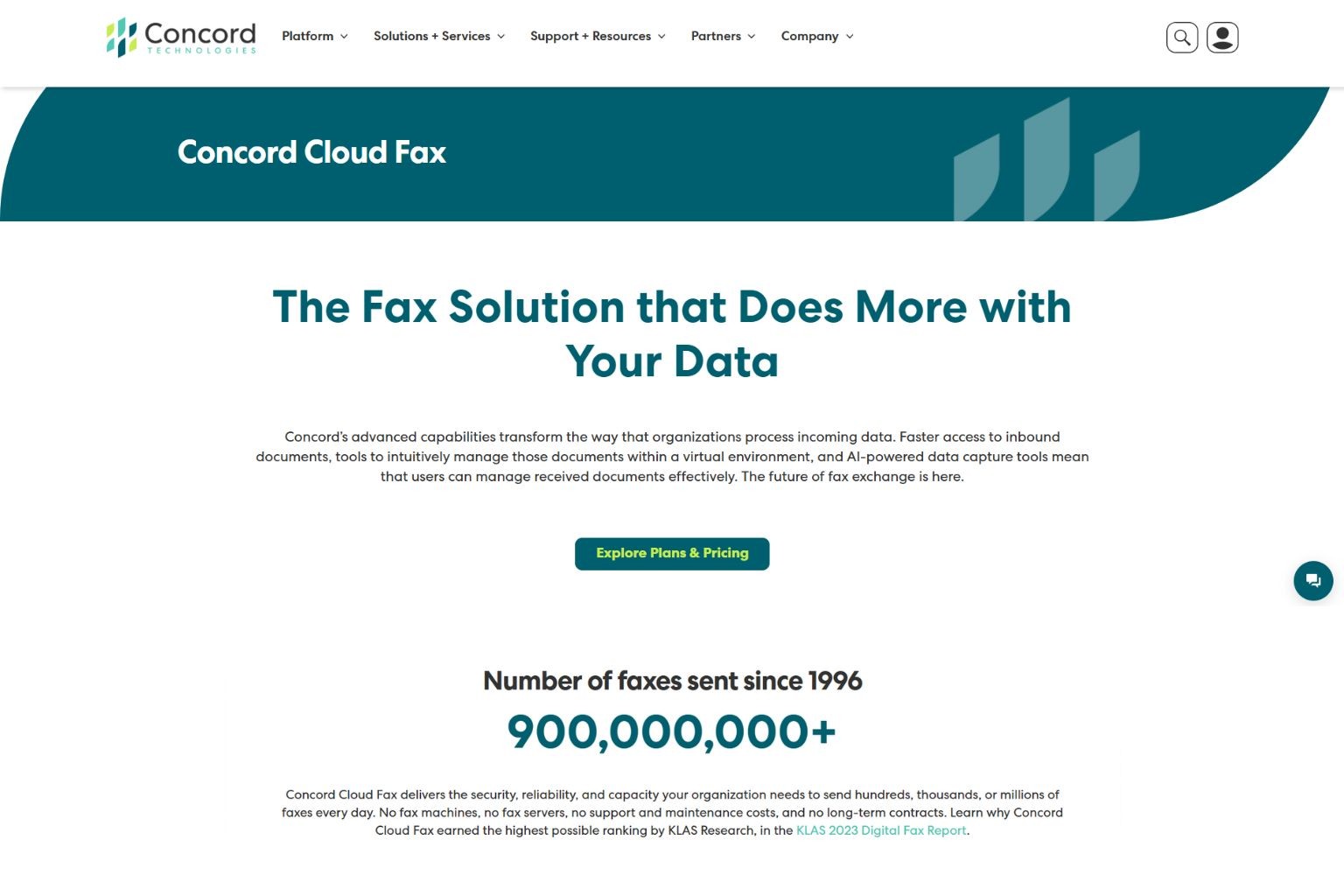
Concord (formerly Interoperability Bidco, with implementation support through XTIVIA) offers a cloud fax platform with a specific migration path from OpenText RightFax. Organizations running RightFax can migrate their workflows, routing rules, and integrations to Concord's cloud platform without rebuilding them from scratch.
A published case study documents a full RightFax-to-Concord migration where the organization preserved existing fax workflows while eliminating on-premises server maintenance. Concord supports HIPAA compliance for healthcare deployments.
Pricing: Enterprise. Contact Concord for pricing.
Strengths: Purpose-built RightFax migration path. Workflow preservation during transition. HIPAA support.
Consideration: Limited public documentation compared to larger vendors. Organizations replacing fax servers other than RightFax may find less migration-specific support.
5. eFax Corporate: Best for High-Volume Organizations Needing HITRUST Certification

eFax Corporate (owned by Consensus Cloud Solutions) has a dedicated fax server replacement page with a side-by-side cost comparison of on-premises servers versus cloud fax. eFax Corporate holds HITRUST certification, not just HIPAA compliance, and claims 99.5% uptime. Their security stack includes TLS 1.2 encryption and AES 256-bit storage encryption.
Enterprise deployments get a dedicated account manager who handles migration planning. API integration connects to CRM, ERP, and EHR systems.
Important note: eFax Corporate, MetroFax, MyFax, and jFax all operate under Consensus Cloud Solutions (formerly j2 Global). These are all brands under the same parent company.
Pricing: Enterprise. Contact eFax Corporate for pricing.
Strengths: HITRUST certified. Dedicated account manager for migration. Published cost comparison framework. Publicly traded parent company (Consensus Cloud Solutions).
Consideration: HIPAA compliance is available only on the Protect plan ($49.99 per month) and above. Lower-tier eFax plans do not include BAA signing. eFax retains ownership of your fax number as a matter of policy. For regulated organizations, that creates a compliance and continuity risk: fax numbers tied to referral workflows and insurance authorizations are controlled by your vendor, not by you. Confirm number ownership and exit terms in any Corporate contract before committing.
6. mFax (Documo): Best for Healthcare Teams Replacing Desktop Fax Software
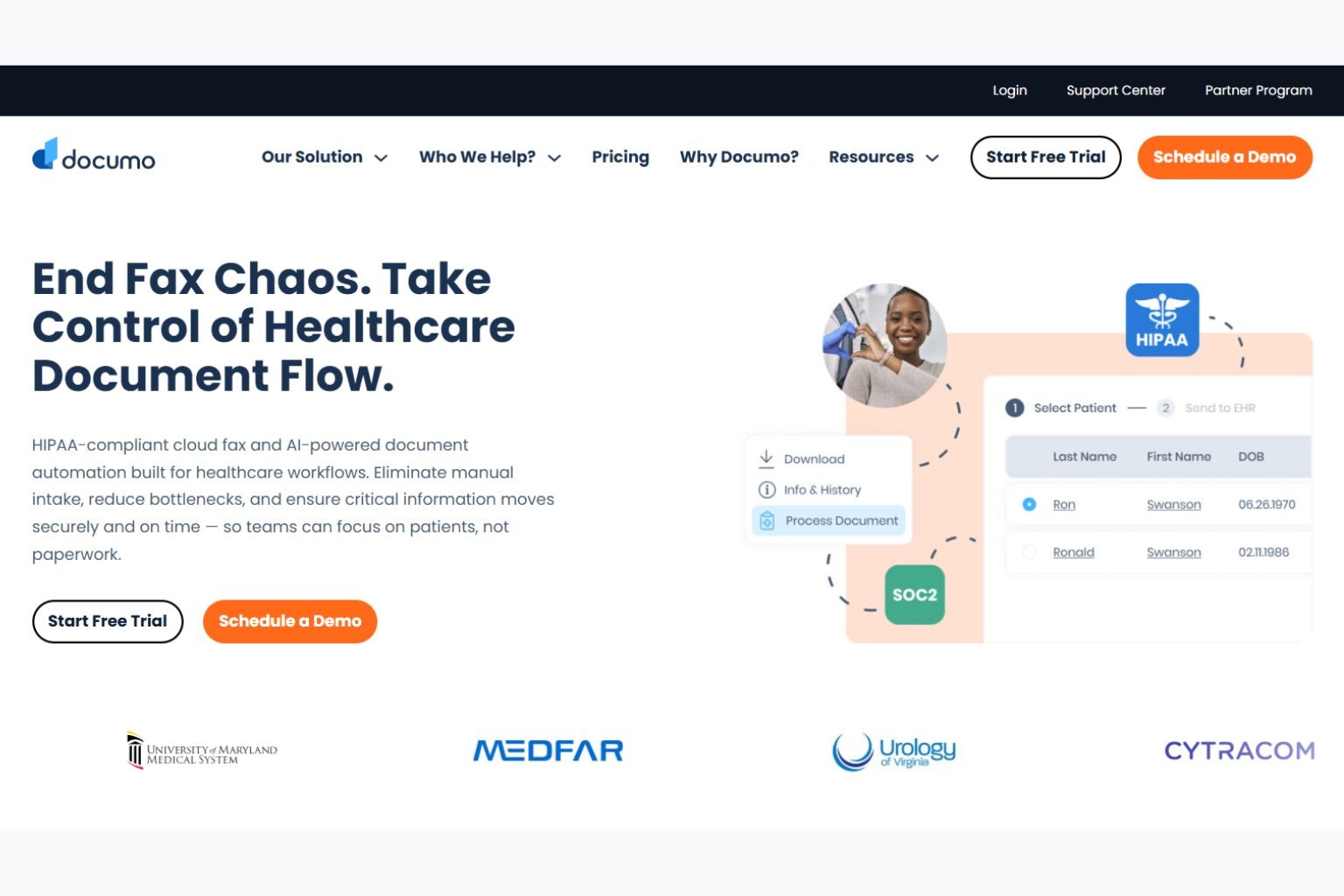
mFax by Documo is a cloud fax service that includes HIPAA compliance on all plans starting at $20.99 per month. It offers a REST API for healthcare integrations, email-to-fax, a Windows desktop application, and team management features including user permissions and audit trails.
For organizations transitioning from Windows-based fax software (Windows Fax and Scan or similar desktop tools), mFax provides a familiar desktop experience with cloud infrastructure running behind it. Setup is self-serve with no migration support team, which keeps costs lower but means your IT team handles the transition independently.
Pricing: $20.99 per month. HIPAA included on all plans.
Strengths: HIPAA on all plans. Strong API for healthcare integrations. Windows desktop app for teams transitioning from desktop fax tools. Self-serve setup.
Consideration: No managed migration service. No hardware adapter for physical fax machines. Self-serve model means your IT team owns the transition.
7. iFax: Best for Mid-Market Migration With Built-In Transition Guidance
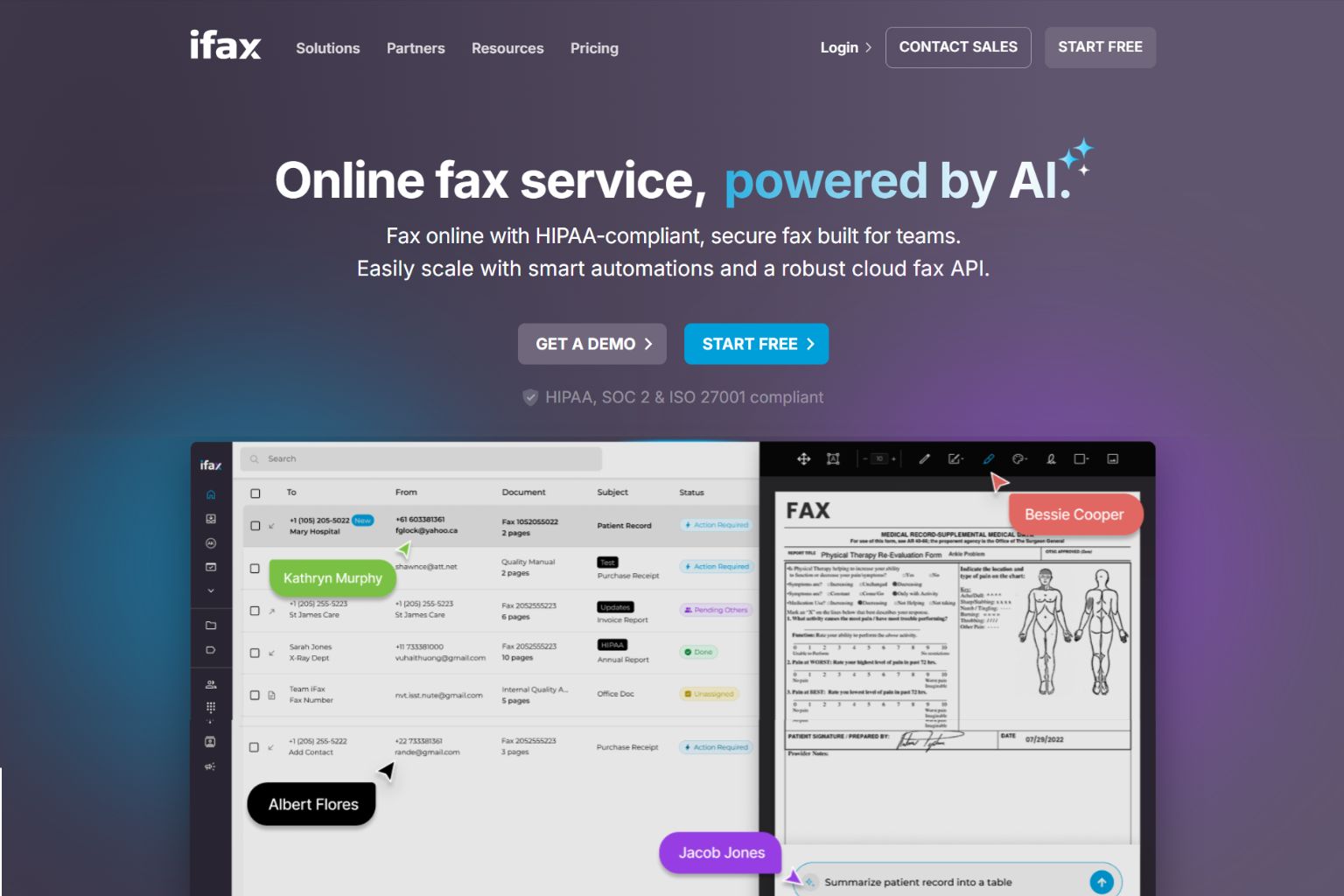
iFax publishes more migration guidance than most vendors on this list. Their fax server replacement page includes a six-item pre-migration checklist and a five-step transition process: assess your environment, choose a provider, map your workflows, run a parallel pilot, and retire legacy infrastructure. Industry-specific guidance covers healthcare, financial services, and legal verticals.
HIPAA compliance starts on the Plus plan at $24.99 per month, which adds send-and-receive faxing and a dedicated number. The Basic plan at $12.49 per month is send-only and does not include HIPAA. Mobile-first design works across iOS and Android.
Pricing: Basic at $12.49 per month (send-only, no HIPAA); Plus at $24.99 per month (HIPAA, send and receive).
Strengths: Published migration checklist and step-by-step process. Industry-specific guidance. Mobile-first design.
Consideration: Migration guidance is content, not service. iFax does not assign a migration team or handle the transition for you. The checklist covers the right steps, but you execute it yourself.
8. Softlinx ReplixFax: Best for Healthcare Fax Workflow Automation With EHR Routing
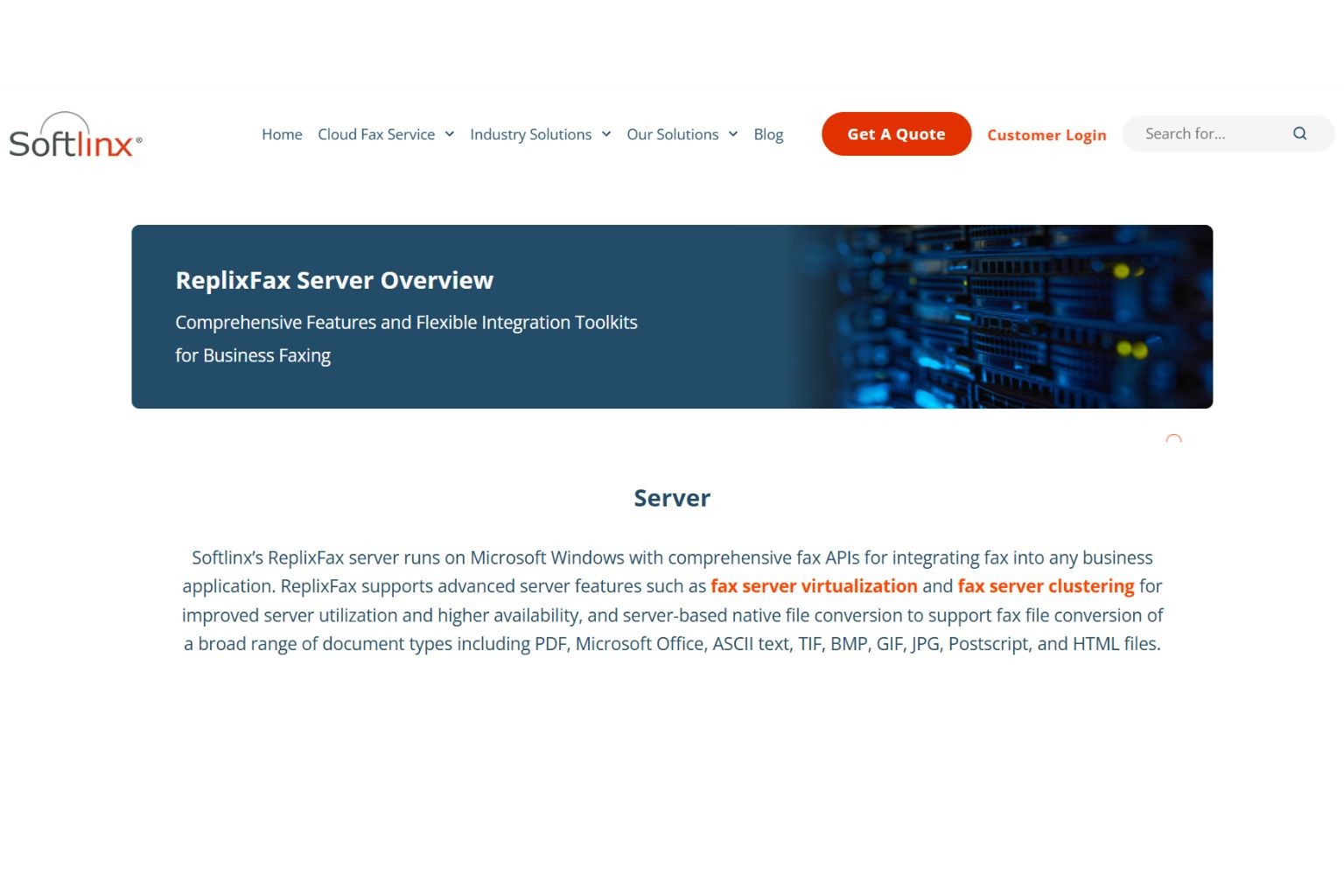
Softlinx ReplixFax targets healthcare organizations that need fax workflow automation integrated with electronic health record systems. The platform includes Epic EHR integration, OCR-based document classification, and barcode fax routing that automatically directs incoming faxes to the correct patient record or department.
For organizations whose fax server is deeply integrated with clinical workflows, Softlinx addresses the specific problem of migrating not just the fax infrastructure but the document routing and classification logic that sits on top of it.
Pricing: Enterprise. Contact Softlinx for pricing.
Strengths: Epic EHR integration. OCR barcode routing for automated document classification. Healthcare workflow focus.
Consideration: Built specifically for healthcare. Organizations outside healthcare or without EHR integration requirements may find the specialization unnecessary.
What You Are Actually Replacing (And Why It Matters)
OpenText RightFax, GFI FaxMaker, Biscom FAXCOM, and XMedius are the four on-premises fax server products IT teams most commonly replace. The right migration path depends on which product you run, how deeply it is integrated, and what needs to be preserved.
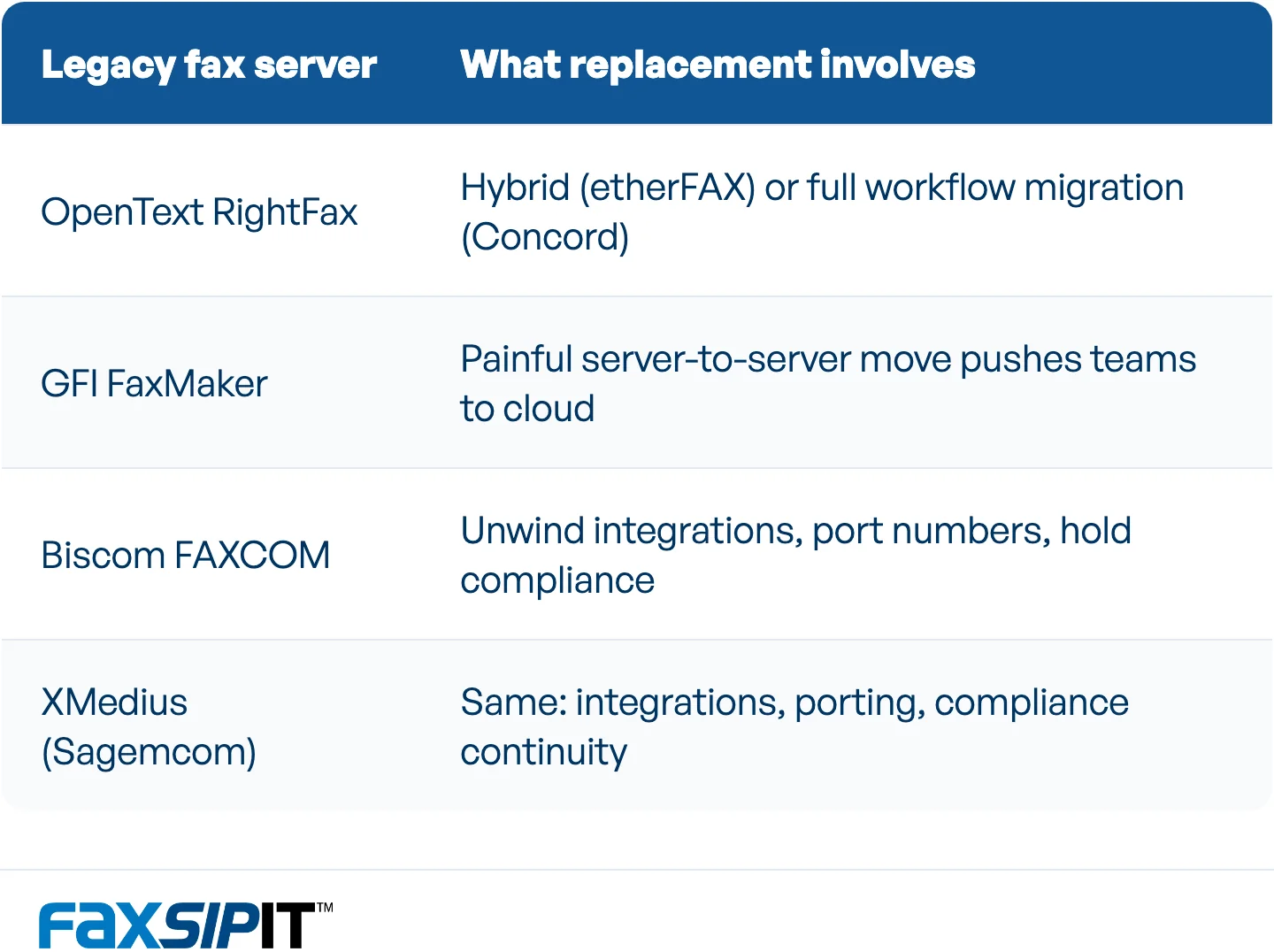
The four on-prem fax servers IT teams most often replace, and what each migration involves.
OpenText RightFax is the most commonly replaced product on this list. Multiple cloud vendors (etherFAX, Concord, and others) offer RightFax-specific migration paths and market directly against it. OpenText now offers managed services for organizations that do not want to self-manage their RightFax installation but are not ready for full cloud migration. For organizations that are ready, etherFAX offers a hybrid path (replace the telephony layer, keep the software) and Concord offers a full workflow migration.
GFI FaxMaker presents a different challenge. Migrating a FaxMaker installation to a new server requires considerable manual work, per GFI's own migration documentation: fax service downtime, third-party software reconfiguration, and extended testing. That operational pain is often what pushes IT teams to consider cloud migration instead of another server-to-server move.
Biscom FAXCOM and XMedius (now Sagemcom) serve similar enterprise environments. Organizations replacing either product face the same core challenge: unwinding integrations, porting numbers, and maintaining compliance through a transition that touches every department that sends or receives a fax.
The replacement decision depends on what you are migrating FROM, not just what you are migrating TO. An organization with 200 fax machines and tight EHR integration needs a different approach than an office with five desktop fax users. Read our guide on cloud fax vs fax server for a full comparison of the two architectures, and our resource on modernizing legacy fax infrastructure for the broader strategy.
How to Migrate: A Pre-Migration Checklist
Fax server migration is not a software swap. It involves telephony, compliance, integrations, and workflows that span departments. This checklist covers the steps most IT teams miss.
Inventory your fax infrastructure. Count every fax server, note software versions and modules, and map physical locations. Document every fax number in use, including shared department numbers and direct lines.
Map your integrations. Identify every system that connects to the fax server: EHR, ERP, CRM, print drivers, email-to-fax routing, any API hooks or automated workflows. Each integration is a migration task.
Audit your telephony paths. Document PRI lines, analog trunks, SIP connections, session border controllers, and any UC platforms (Teams, Zoom, Webex) that route fax traffic. Know exactly what is being replaced.
Document compliance requirements. List every regulation that applies: HIPAA, SOX, GLBA, state-specific requirements. Confirm BAA status with your current provider and verify that the replacement covers the same obligations.
Identify workflow owners. Every department that sends or receives fax needs a point person for testing. Include the edge cases: pharmacy, admissions, legal, purchasing, facilities. The departments you forget are the ones that break.
Start number porting early. This is the critical path. Porting existing fax numbers to the new cloud provider determines your go-live date. The timeline varies by carrier, but it controls the schedule. Begin the request as soon as you have selected a provider.
Run parallel operation. Keep the old fax server running alongside the new cloud service during a pilot period. Test every workflow before cutover. Parallel operation adds two to four weeks but catches problems that testing alone misses.
Plan the decommission. Schedule server shutdown, cancel telecom lines, update DNS and routing rules, and notify stakeholders. Confirm audit trail continuity between old and new systems before powering down the server.
See our legacy fax and UCaaS strategy guide for more on planning the transition, and our white paper on the ATA advantage over legacy T.38 for the technical case behind hardware bridge devices.
Maintaining Compliance During Migration
HIPAA, SOX, and GLBA do not pause while your IT team migrates fax infrastructure. A gap in encryption, audit trails, or access controls during the transition is a compliance exposure that can be measured in regulatory fines, not just inconvenience.
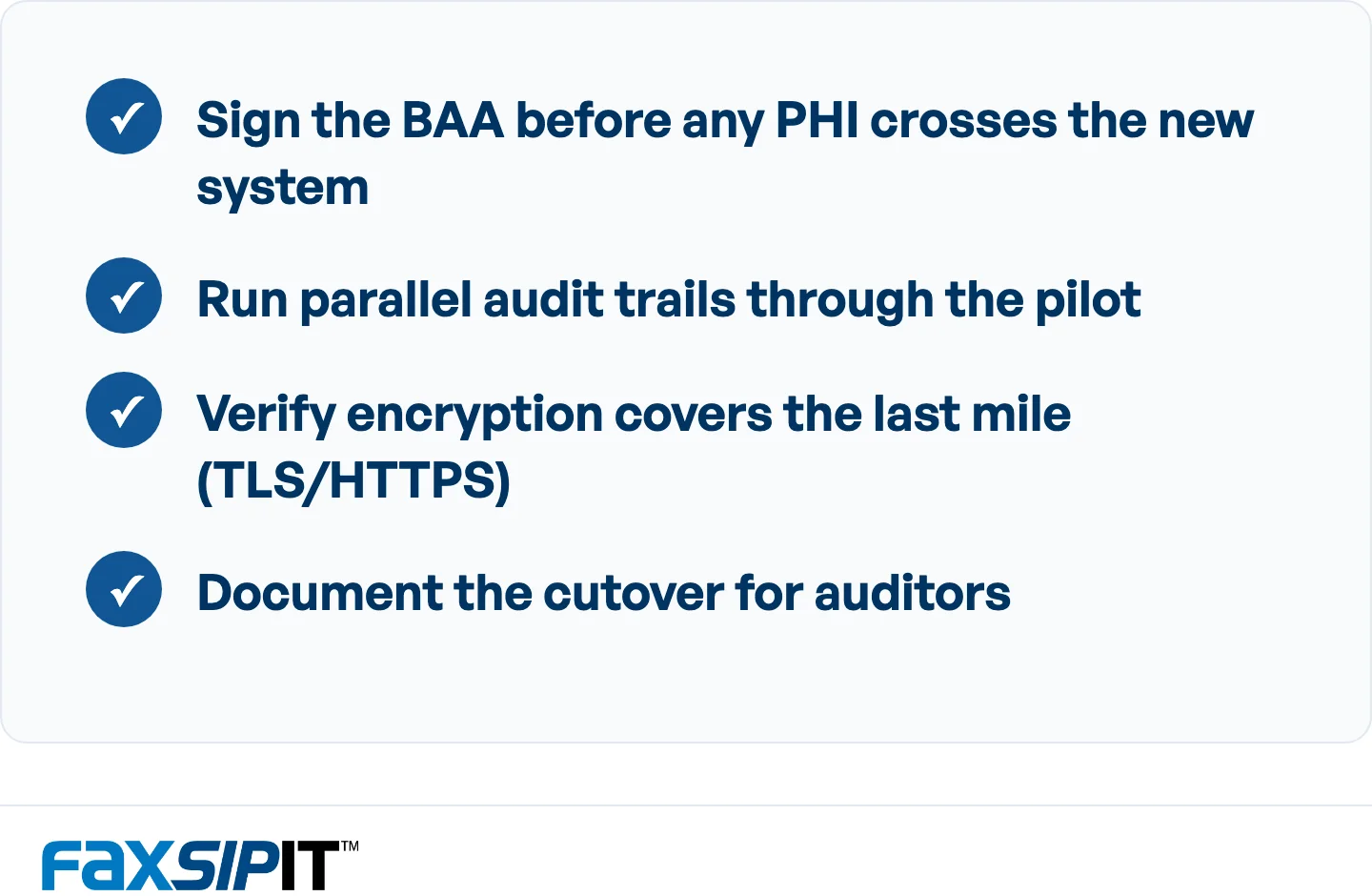
Four compliance steps to keep covered while migrating fax infrastructure.
Sign the BAA before sending any PHI. The Business Associate Agreement with your new cloud fax provider must be executed before a single patient record, prescription, or referral crosses the new system. Every vendor on this list that claims HIPAA compliance offers BAA signing, but the timing matters. Sign it during vendor selection, not during go-live.
Run parallel audit trails. During the pilot period, both old and new systems should be producing delivery records. If a regulator asks for proof of delivery for a specific fax during the transition window, you need to know which system handled it and produce the log.
Verify encryption covers the last mile. Not all cloud fax services encrypt the entire transmission path. T.38 has no native encryption, and while carrier backbone networks are generally private infrastructure, the SIP trunk legs traversing the public internet and the final delivery to the receiving endpoint are unencrypted. Confirm your new provider encrypts the last mile over TLS or HTTPS on every fax, every plan. See our compliance page for details on how we handle this, and our overview of fax reliability in regulated industries for the broader context.
Document the transition for auditors. Date the cutover, note the parallel operation period, and preserve logs from both systems. Compliance auditors will want to see continuity, not a gap.
Also read: CMS Prior Authorization Final Rule
Frequently Asked Questions
How long does it take to replace a fax server with cloud fax?
Most migrations take days to weeks depending on the complexity of the environment. A small office with five fax lines and no EHR integration can migrate in under a week. A hospital network with hundreds of fax numbers, multiple EHR connections, and regulatory requirements across departments may take four to eight weeks including parallel operation. The variables that matter most: number of fax lines, integration complexity, number porting timeline, and whether you run a parallel pilot (recommended).
Can we keep our existing fax numbers when migrating to cloud fax?
Yes. Most cloud fax providers on this list support number porting, which transfers your existing fax numbers to the new platform. We also support BYOC (Bring Your Own Carrier), which lets you keep your current carrier relationship during the transition and migrate lines gradually as each department is ready.
What is the difference between replacing a fax server and switching to online fax?
Replacing a fax server means decommissioning on-premises infrastructure: the physical hardware, the telephony connections, the server software, and the IT overhead to maintain it all. Switching to online fax is the destination, but the process involves mapping integrations, porting numbers, maintaining compliance continuity, and running parallel operation during the transition. It is not the same as signing up for an online fax account. Our guide on cloud fax vs fax server breaks down the full comparison.
Do we need to replace our physical fax machines?
Not necessarily. Our SecureFax-ATA connects existing fax machines and multifunction printers to cloud infrastructure without replacing them. etherFAX replaces the telephony layer underneath existing fax server software, keeping both the software and attached hardware in place. The right answer depends on your migration strategy: full cloud migration (replace everything), hybrid (keep some hardware), or telephony-only modernization (keep software and hardware, replace the network path).
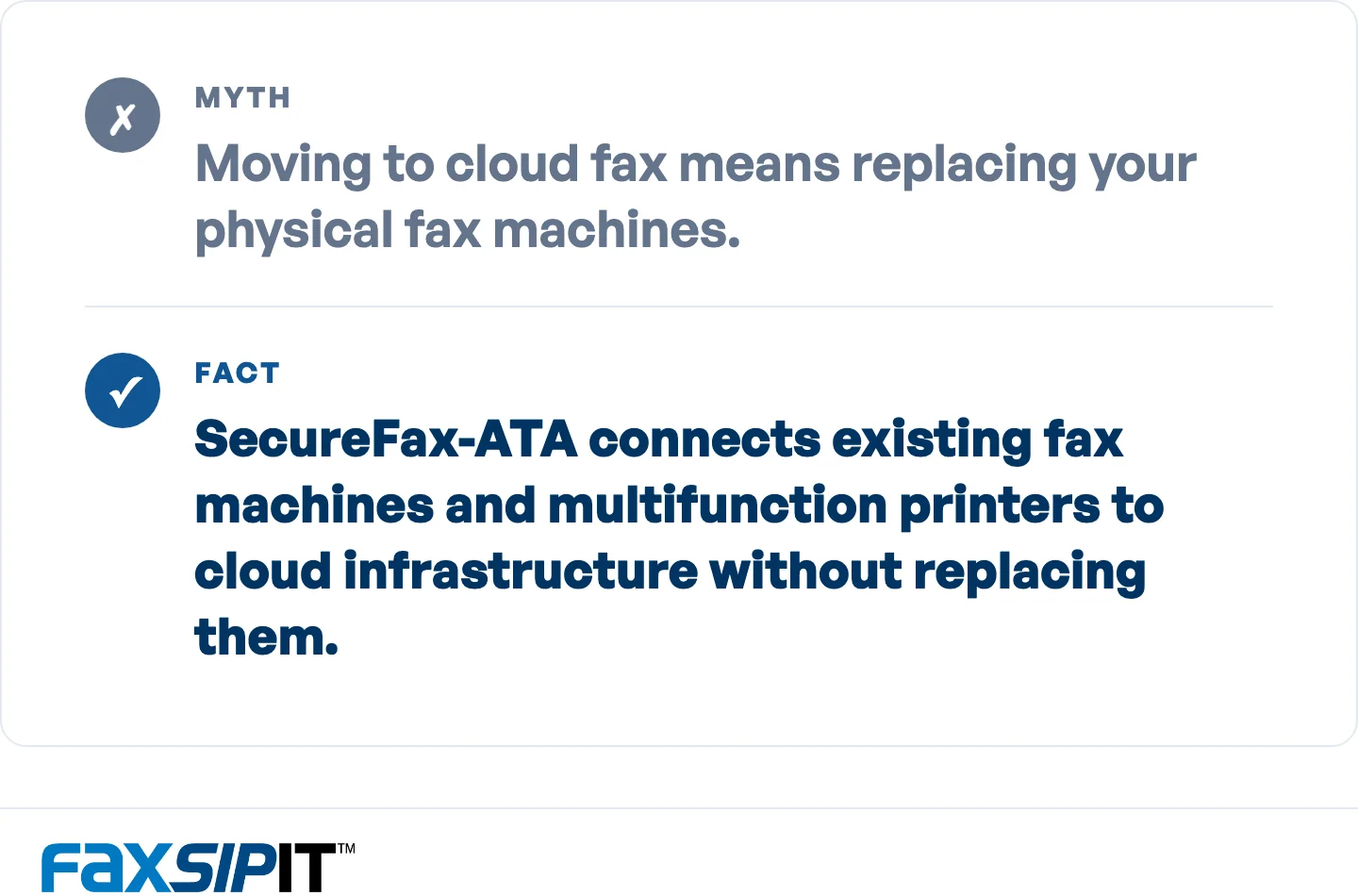
You can keep existing machines when migrating to cloud fax.
The Bottom Line
The right fax server replacement depends on what you are migrating from and what you need to preserve: numbers, machines, integrations, compliance posture, or all four.
For IT teams decommissioning on-premises fax servers, the decision comes down to deployment model. etherFAX works for organizations that want to keep their existing fax server software and only modernize the telephony layer. Concord targets teams migrating specifically from RightFax. Retarus handles multi-site enterprise decommission with managed migration support.
We built FaxSIPit on 35 years of fax infrastructure expertise, with SecureFax-ATA hardware that bridges existing machines to encrypted cloud infrastructure, BYOC for gradual carrier migration, and HIPAA compliance on every plan. We built it for organizations where a failed fax has real consequences. See our cloud fax solution or enterprise options for the full capability breakdown.