



The best cloud fax service depends on three things: how many faxes you send, how much a failed transmission costs you, and what you need to connect it to. A solo office sending a handful of faxes a month wants something different from a hospital network moving 200 departments off physical machines.
We run FaxSIPit, a cloud fax service that sends and receives fax through a browser, email, or desktop app with no hardware required. We co-created HTTPS faxing back in 2008 and built our own dedicated fax network, a set of infrastructure designed specifically for transmission quality and uptime rather than a general voice platform with fax added on. That background shapes this list.
We ranked eight services on the things a general buyer actually weighs: reliability, integrations, enterprise depth, migration support, and price. If your decision is driven mainly by HIPAA and signed Business Associate Agreements, our HIPAA-compliant fax roundup is the better starting point. This guide is for the broader cloud fax buyer.
Key Takeaways
Match the service to your fax volume. Pay-as-you-go pricing wins for a handful of faxes a month. A monthly subscription costs less per page once you send and receive regularly.
Reliability is the axis most consumer roundups skip. A dedicated fax network with automatic multi-carrier retry delivers where fax bolted onto voice or VoIP tends to drop transmissions.
Integrations decide whether people actually use it. The best fit plugs into the tools your team already runs, like Microsoft Teams, Zoom, Google Workspace, and email, not just cloud storage.
Migration matters if you still have physical machines. An analog telephone adapter lets you keep existing fax machines and phone numbers while moving to encrypted cloud infrastructure underneath.
Regulated teams need more than a checkbox. When a failed fax means a delayed referral, a missed prescription, or a compliance gap, transmission reliability and delivery records outweigh the monthly price.
How We Compared Cloud Fax Services
We scored each service on the criteria a buyer comparing cloud fax actually acts on, not on marketing claims. Six factors drove the ranking:
Transmission reliability. What happens when a fax does not go through on the first try, and whether the platform reroutes automatically.
Integrations. Whether it connects to the email, collaboration, and storage tools a team already uses.
Enterprise depth. API access, carrier flexibility, and the ability to replace an on-premises fax server, not just a consumer app.
Migration support. Whether you can keep existing machines and numbers or have to rip and replace.
Pricing clarity. Transparent page allowances and overage rates rather than hidden per-minute or setup fees.
Security posture. Encryption in transit and, where relevant, compliance support for regulated work.
Cloud Fax Services Compared at a Glance
We put FaxSIPit at the top of the table because it is the service we operate and the one built for organizations where a dropped fax has consequences. The rest are ranked by how well they fit a specific buyer. All competitor prices are accurate at the time of writing and change often, so confirm the current figure on each provider's site.
Service | Best for | Reliability / network | Key integrations | API / enterprise | Starting price |
|---|---|---|---|---|---|
FaxSIPit | Migrating existing fax infrastructure to the cloud | Dedicated fax network, automatic multi-carrier retry | Teams, Zoom, Google Workspace, Outlook, Copilot | REST API, BYOC, SIP trunks, fax server replacement, ATA hardware | $15/mo |
eFax | Large enterprises standardizing on a known brand | Established carrier network | Email, mobile apps | Corporate tier, API | $18.99/mo |
Documo | Fax image quality on sensitive documents | Cloud-native delivery | Cloud storage, API | API, team plans | ~$12/mo |
Fax.Plus | Teams faxing from phones and tablets | Cloud delivery | Google Drive, Dropbox, email | API on higher tiers | $8.99/mo |
Dropbox Fax | Sending the occasional one-off fax | Cloud delivery | Google Drive, Box, OneDrive | None | Pay-as-you-go |
iFax | Self-serve small-business signup | Cloud delivery | Cloud storage, email | API on Pro | $8.33/mo |
SRFax | Light senders on a tight budget | Cloud delivery | Email, basic integrations | Limited | ~$12.60/mo |
MyFax | A long trial before committing | Cloud delivery | None | $12/mo |
Top 8 Cloud Fax Services in 2026
Each pick below names the one buyer it fits best, the strengths that earn it a spot, the honest trade-off, and current pricing.
1. FaxSIPit: Best for Migrating Existing Fax Infrastructure to the Cloud
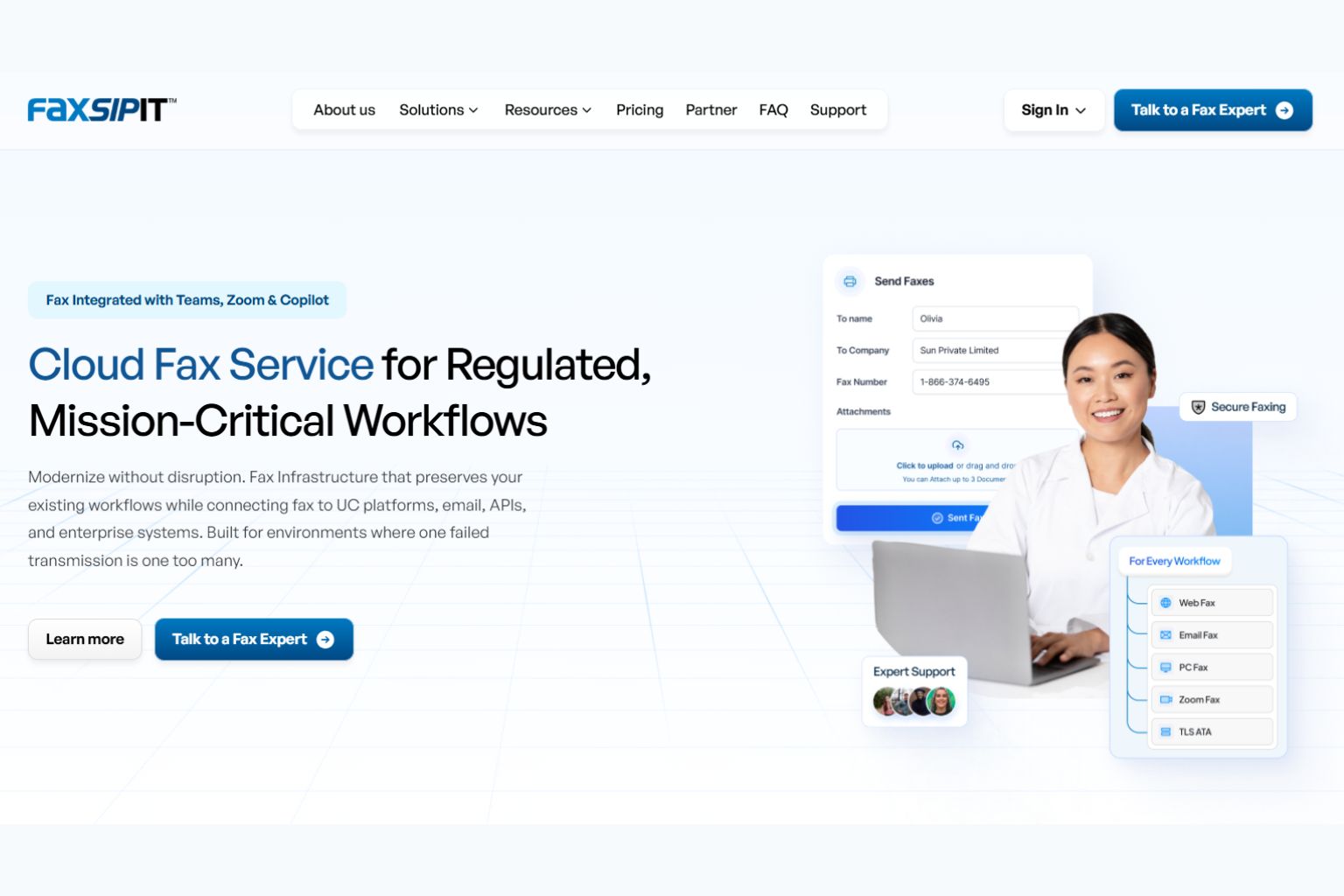
We built FaxSIPit as a cloud fax service for organizations that already depend on fax and cannot afford a failed transmission. We made it for healthcare, legal, finance, and government teams where a dropped fax is a delayed referral or a compliance exposure, not a minor annoyance.
The difference sits in the network. We run a dedicated fax network, high-availability and fault-tolerant infrastructure built specifically for fax, with automatic multi-carrier retry that reroutes through an alternate carrier path if any single transmission hits a problem. That is the part general apps skip.
Migration is the other reason teams move to us. Our SecureFax-ATA device, a small analog telephone adapter that bridges a physical fax machine to the cloud, lets you keep existing machines, shared numbers, and routing rules while encrypted cloud infrastructure runs underneath. A major US university modernized faxing across 200 departments this way, and a US municipality unified faxing across dozens of departments without disruption.
For larger deployments, we offer REST API, BYOC (Bring Your Own Carrier), SIP trunks, and full enterprise and institutional options, including hosted fax server replacement. Day to day, teams send and receive fax from Microsoft Teams, Zoom, Google Workspace, Outlook, and Copilot. Every plan includes HIPAA compliance with a signed Business Associate Agreement and encryption in transit, with the details on our compliance page.
Strengths: dedicated fax network with automatic multi-carrier retry, ATA hardware for physical machine migration, REST API, BYOC, SIP trunks, fax server replacement, and integrations with the tools teams already use.
Trade-off: we are built for organizations that treat fax as mission-critical infrastructure. A user who needs to send one fax this year will find a pay-as-you-go app cheaper.
Pricing: Starter $15/mo (200 pages), Pro $40/mo (1,000 pages), Business $100/mo (2,500 pages). Enterprise and institutional pricing is set per deployment, so contact us for a quote. See our cloud fax solution page for the full feature breakdown.
2. eFax: Best for Large Enterprises Standardizing on a Known Brand
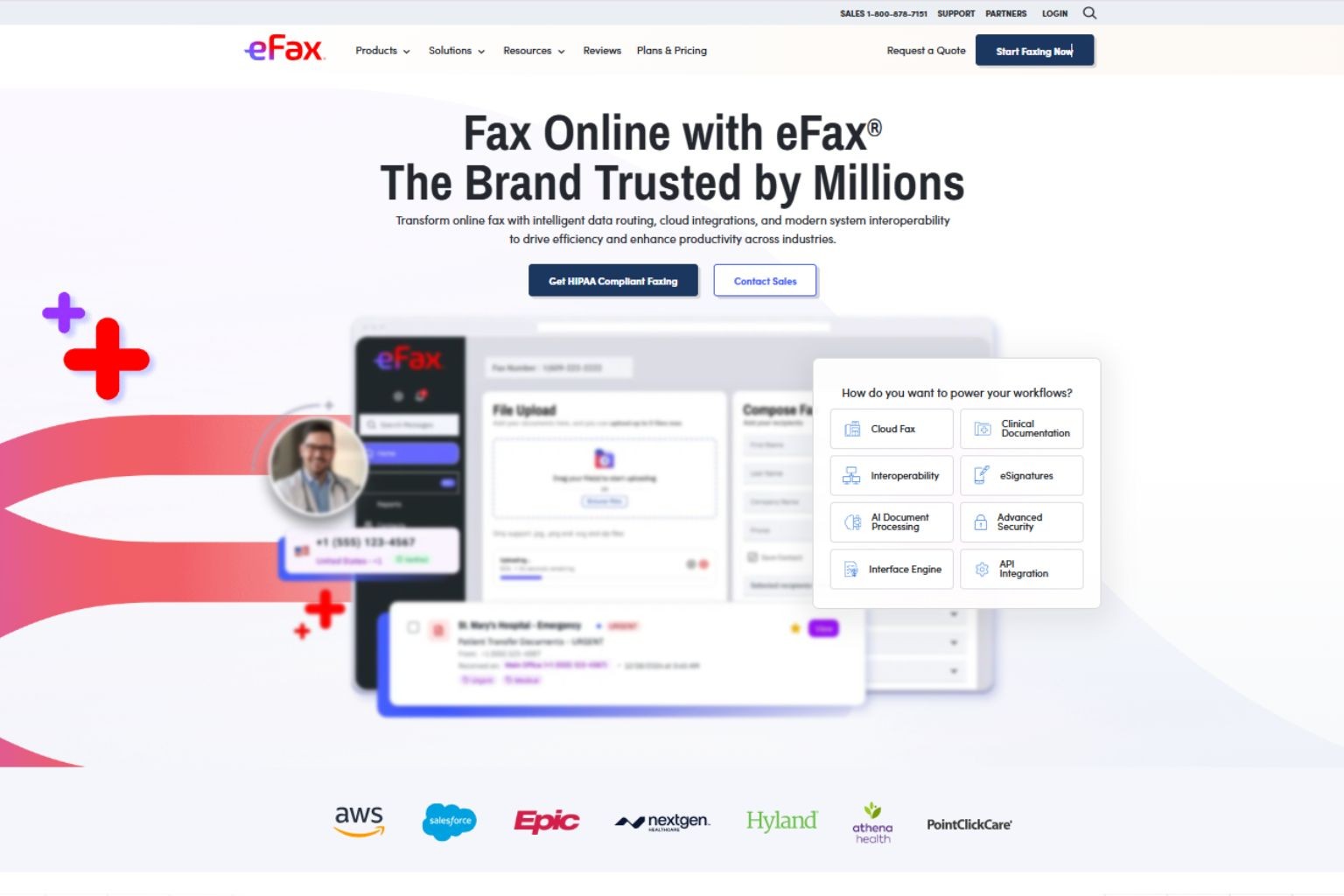
eFax is the most recognized name in online fax, and that recognition is its main draw. For a large enterprise that wants a vendor its leadership already knows, eFax is the safe procurement choice, with mobile apps, email-to-fax, and a corporate tier aimed at high-volume use.
The trade-off is cost structure and exit terms. Its lower plans cap pages tightly, overage is charged per page, and the compliance features regulated teams need sit on the higher Protect and Corporate tiers rather than every plan. eFax retains ownership of your fax number as a matter of policy. For regulated organizations, that creates a compliance and continuity risk: fax numbers tied to referral workflows and insurance authorizations are controlled by your vendor, not by you. Confirm number ownership and exit terms before committing. Cancellation also requires a phone call.
If eFax is on your shortlist, our eFax alternative breakdown compares it against a purpose-built fax network.
Strengths: brand familiarity, broad feature set, established carrier reach.
Trade-off: tight page caps on entry plans, compliance gated to upper tiers, vendor-controlled number ownership, and phone-only cancellation.
Pricing (at the time of writing): Plus $18.99/mo (340 combined pages)
3. Documo: Best for Fax Image Quality on Sensitive Documents
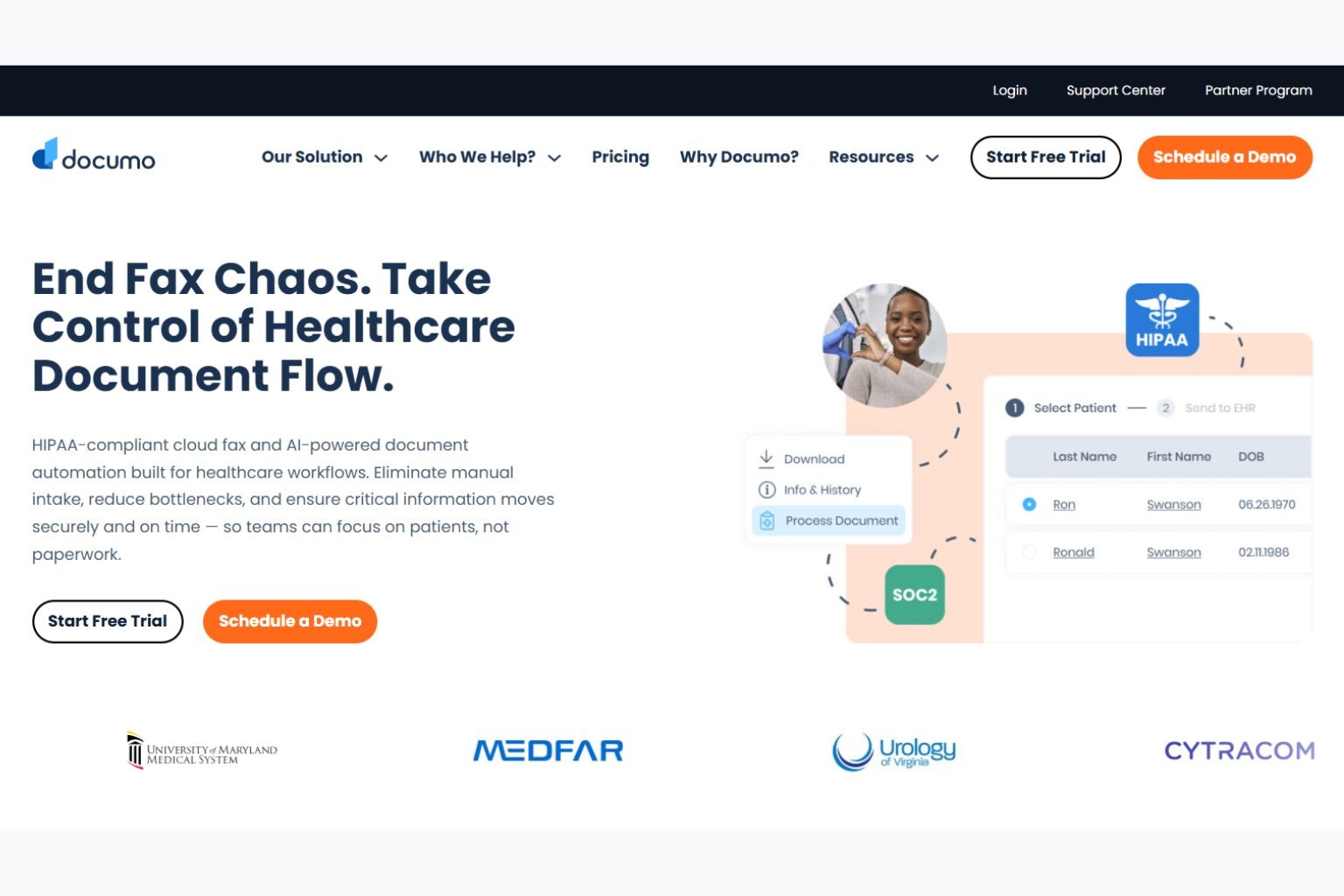
Documo, also sold as mFax, produced the cleanest fax output in independent testing by Wirecutter, which matters when you are sending contracts, lab results, or signed forms where legibility is not optional. It pairs that with custom cover pages, cloud storage integration, and an API for teams that want to automate sending.
It costs more than the consumer apps, and the entry plan is built for a single user, so price scales as you add seats and pages.
Strengths: strong fax image quality, custom cover pages, API and team plans.
Trade-off: higher cost than basic apps, with pricing that climbs by users and volume.
Pricing (at the time of writing): entry plans start near $12/mo for a single user and around 250 pages, with team tiers near $59/mo and mid-volume plans near $119/mo.
4. Fax.Plus: Best for Teams Faxing From Phones and Tablets
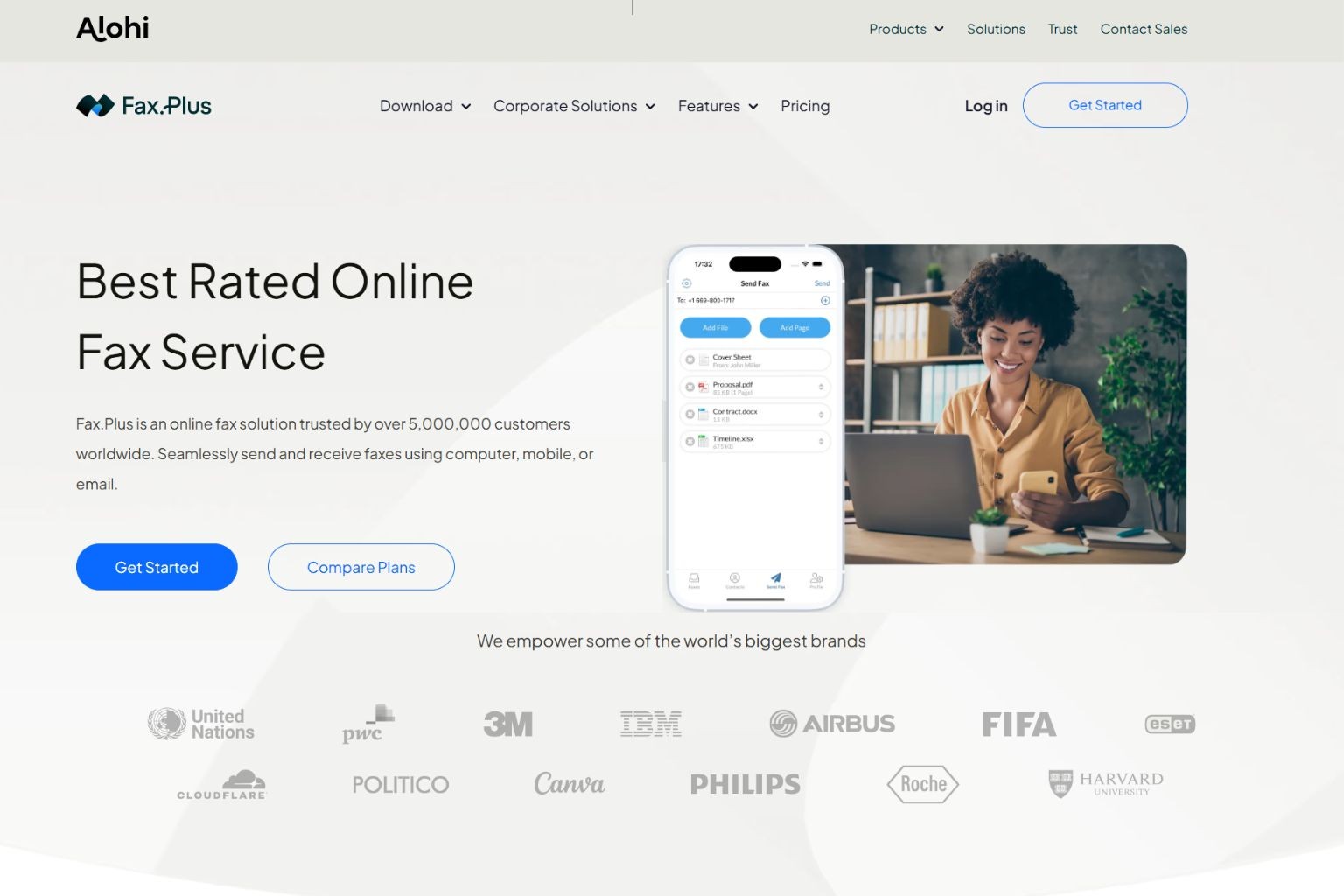
Fax.Plus is built around modern apps, so it fits teams that fax from phones and tablets as much as from a desk. The web, mobile, and email interfaces are clean, the tiers are flexible, and it connects to Google Drive and Dropbox for pulling documents straight into a fax.
One practitioner on r/sysadmin described moving from eFax to Fax.Plus and finding the interface more intuitive, which tracks with its mobile-first design. Worth noting: its compliance support sits on the top Enterprise tier rather than across all plans.
Strengths: polished web and mobile apps, flexible tiers, storage integrations.
Trade-off: compliance features are limited to the highest plan.
Pricing (at the time of writing): Free (10 pages total), Basic $8.99/mo (200 pages), Premium $17.99/mo (500 pages), Business $34.99/mo (1,000 pages), Enterprise $99.99/mo (4,000 pages).
5. Dropbox Fax: Best for Sending the Occasional One-Off Fax
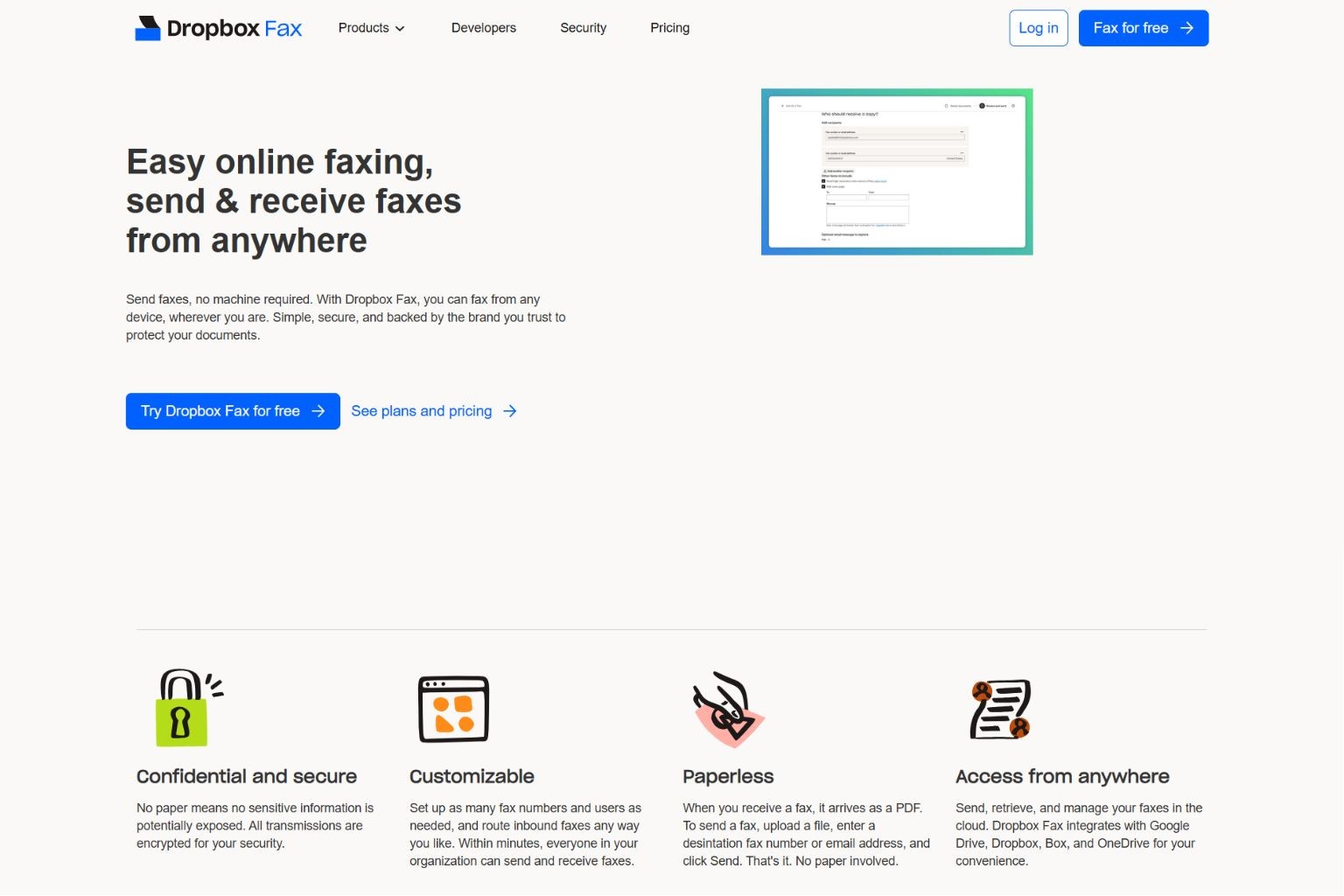
Dropbox Fax, formerly HelloFax, is the easiest pick for someone who needs to send a fax now and then without a subscription. Wirecutter named it a top pick for occasional senders because the first few pages are free and the interface is simple, with sync to Google Drive, Box, and OneDrive.
The limits show up fast for regular use. Receiving faxes requires a paid plan, there is no API or hardware support, and per-page costs add up once volume grows. It is a consumer tool, not an infrastructure choice.
Strengths: free for the first few outbound pages, very simple, storage sync.
Trade-off: receiving needs a paid plan, no API, no enterprise or hardware options.
Pricing (at the time of writing): five free outbound pages, then pay-as-you-go from roughly $0.99 per 10 pages, with monthly plans starting near $9.99/mo.
6. iFax: Best for Self-Serve Small-Business Signup
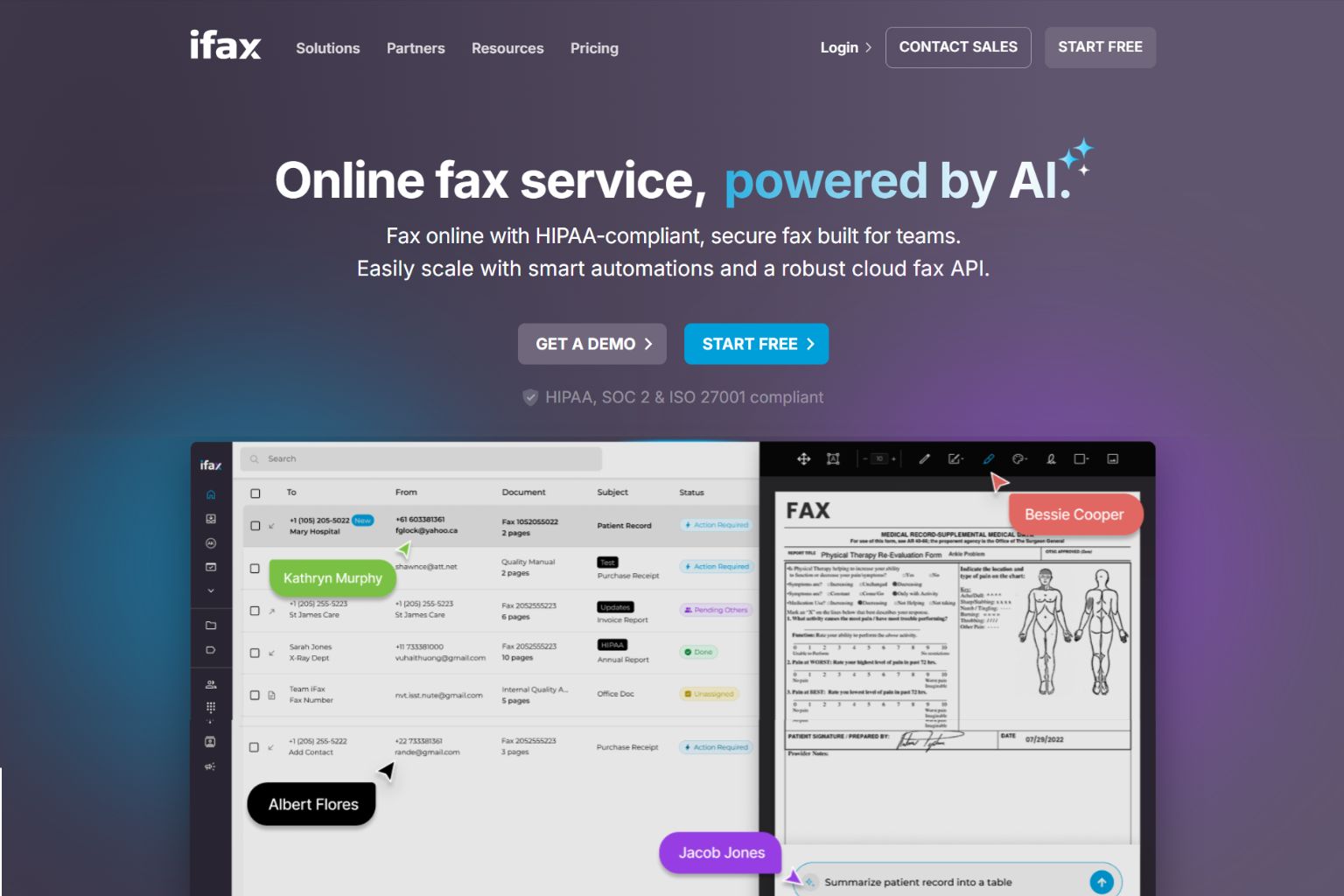
iFax is a modern fax app that a small business can sign up for and start using in minutes. It handles sending and receiving, has a clean mobile experience, and ranks well for fax searches, so it is often the first option a self-serve buyer finds.
It tilts toward SMB and individual use rather than complex deployments. Receiving a fax requires the Plus plan or higher, and API access only opens up on the Professional tier. For teams weighing it against a dedicated fax network, our iFax alternative comparison lays out the differences.
Strengths: fast self-serve signup, modern app, send and receive.
Trade-off: receiving and API sit on higher tiers, with an SMB rather than enterprise focus.
Pricing (at the time of writing): free plan (5 pages, send only), Basic $8.33/mo billed annually (200 pages), Plus $16.67/mo billed annually (500 pages), Professional $29.99/mo billed annually (1,000 pages with API).
7. SRFax: Best for Light Senders on a Tight Budget
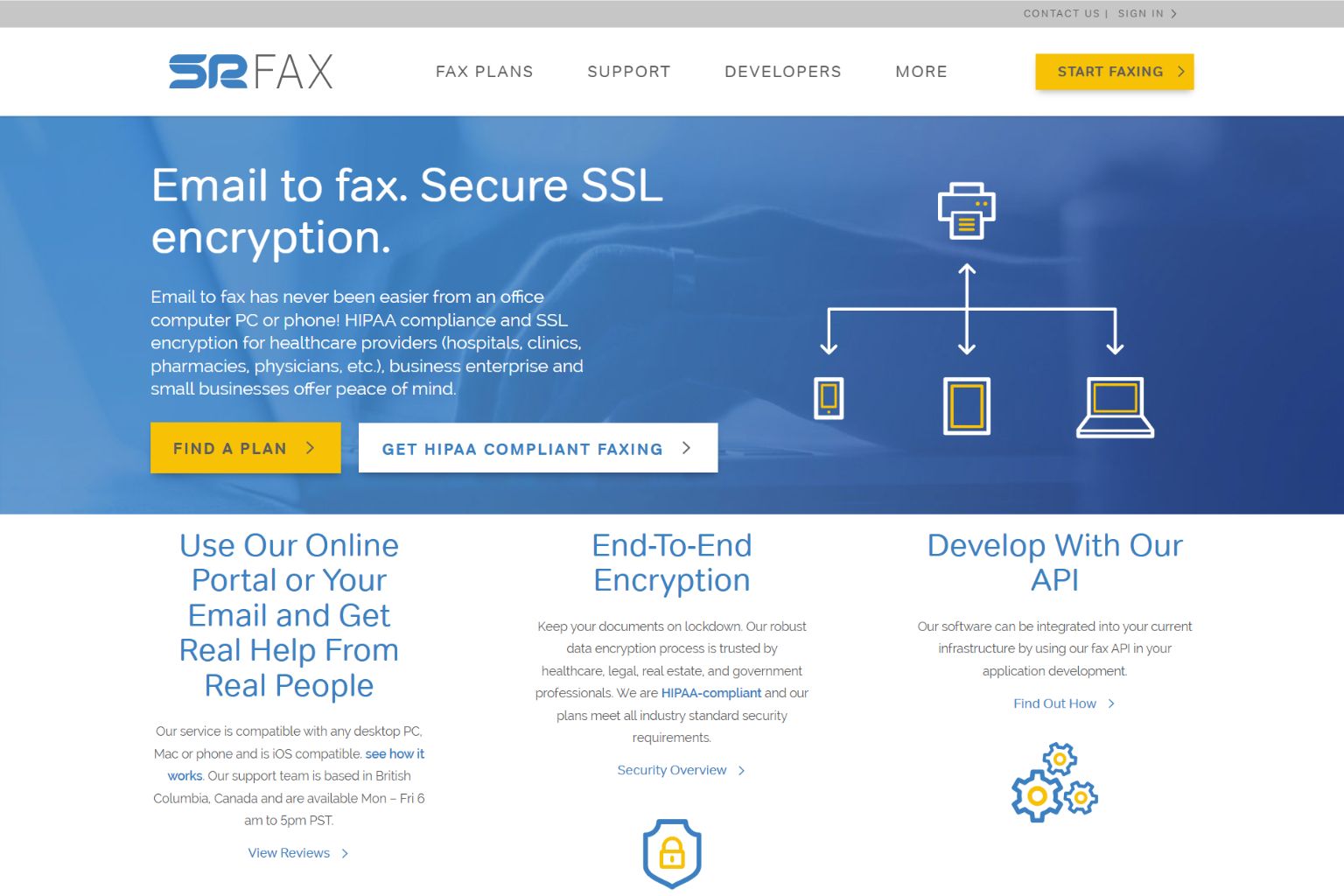
SRFax is the lowest-cost entry on this list, which makes it the pick for light senders who want a working fax line without paying for capacity they will not use. Its small plans cover a few hundred pages a month at a price the bigger brands do not match, and it offers healthcare-oriented plans for clinics that need them.
The savings come with a lighter feature set. Integrations and enterprise tooling are limited compared with the platforms above, so it suits simple needs rather than complex workflows.
Strengths: very low entry price, healthcare plan options, simple to run.
Trade-off: limited integrations and enterprise features.
Pricing (at the time of writing): entry plans around $12.60/mo for 200 pages.
8. MyFax: Best for a Long Trial Before Committing
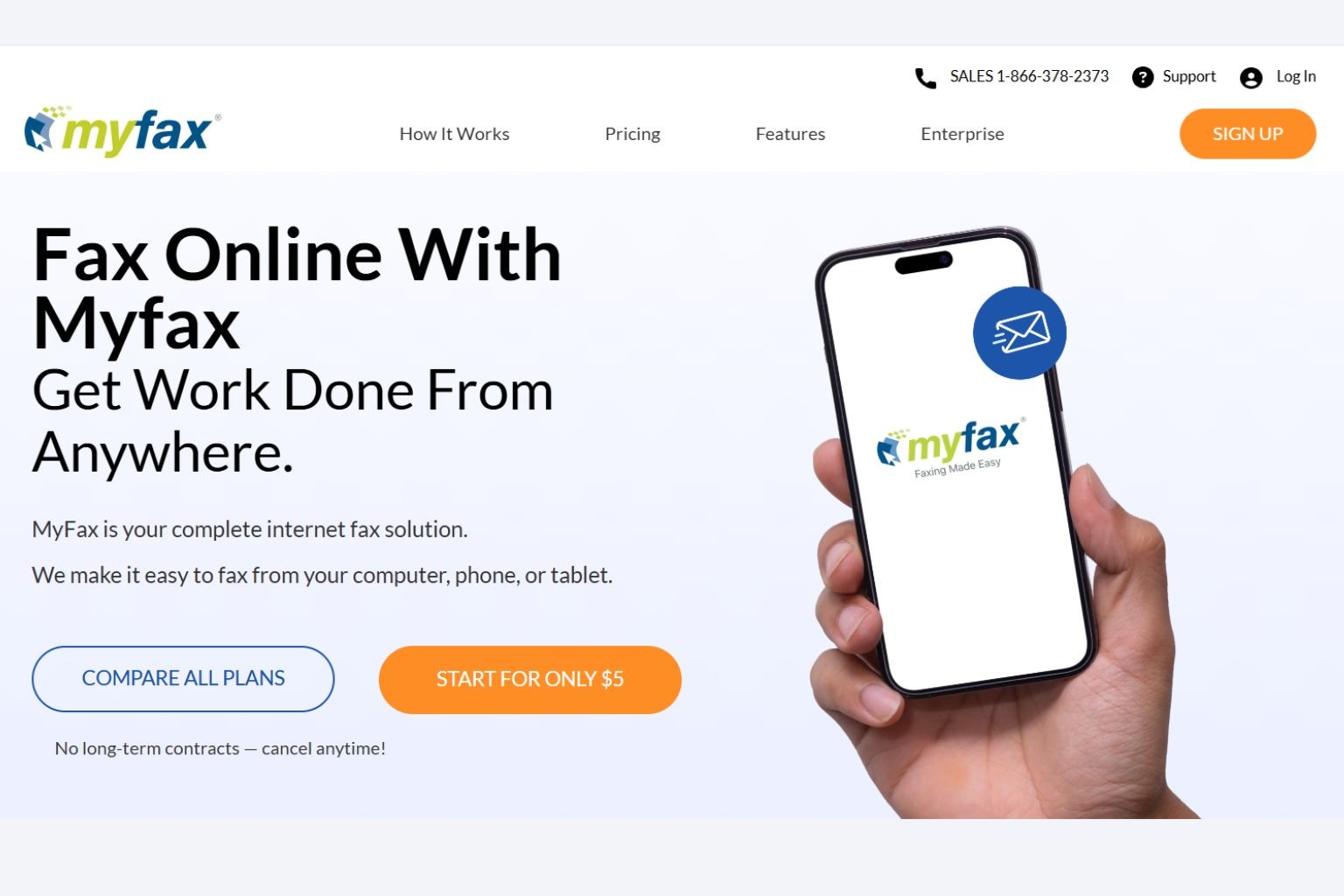
MyFax is the option for a cautious buyer who wants to test a service before paying. Its 14-day free trial is among the longest in online fax, which gives a home office or small team room to confirm the workflow fits before committing to a plan.
The plans themselves are straightforward rather than feature-rich. There is no API or hardware support, and the page allowances are modest, so it suits low to moderate volume.
Strengths: long free trial, simple plans, low entry cost.
Trade-off: modest page allowances, no API or hardware options.
Pricing (at the time of writing): Home Office $12/mo (100 pages), Small Business $25/mo (300 pages), Power User $45/mo (600 pages).
What Makes a Cloud Fax Service Reliable
Reliability is the factor consumer roundups gloss over, and it is where cloud fax services differ most. The question is simple: when a fax does not go through, what does the platform do about it?
Fax handled by phone systems and unified communications platforms treats fax as an add-on to voice infrastructure. Transmissions are real-time and single-path. If the receiving end is busy, the fax fails. If the carrier path hits packet loss or jitter, the fax fails. There is no retry logic, no alternate routing, and no delivery optimization. Raw T.38 success rates run 70 to 80%, based on transmission data across FaxSIPit's network.
A dedicated fax platform is built differently.
Our infrastructure is never busy, so there is no busy signal at the point of receipt. Transmissions are queued and delivered over managed TLS and HTTPS transport, with automatic multi-carrier retry that reroutes through an alternate carrier path if any single transmission hits an issue.
Carrier routes are selected for fax performance, tuned for latency, number of hops, point of interconnect, and codec negotiation, rather than borrowed from general voice infrastructure. The protocol is one layer. What sits above it, always-available capacity, optimized carrier selection, managed delivery, and automatic rerouting, is what drives reliability.
The result is a 95%+ delivery rate versus 70 to 80% on raw T.38. For a medical office sending 20 faxes a day, that gap is 3 to 6 failed transmissions daily, each one a potential delayed referral, missed prescription, or compliance exposure.
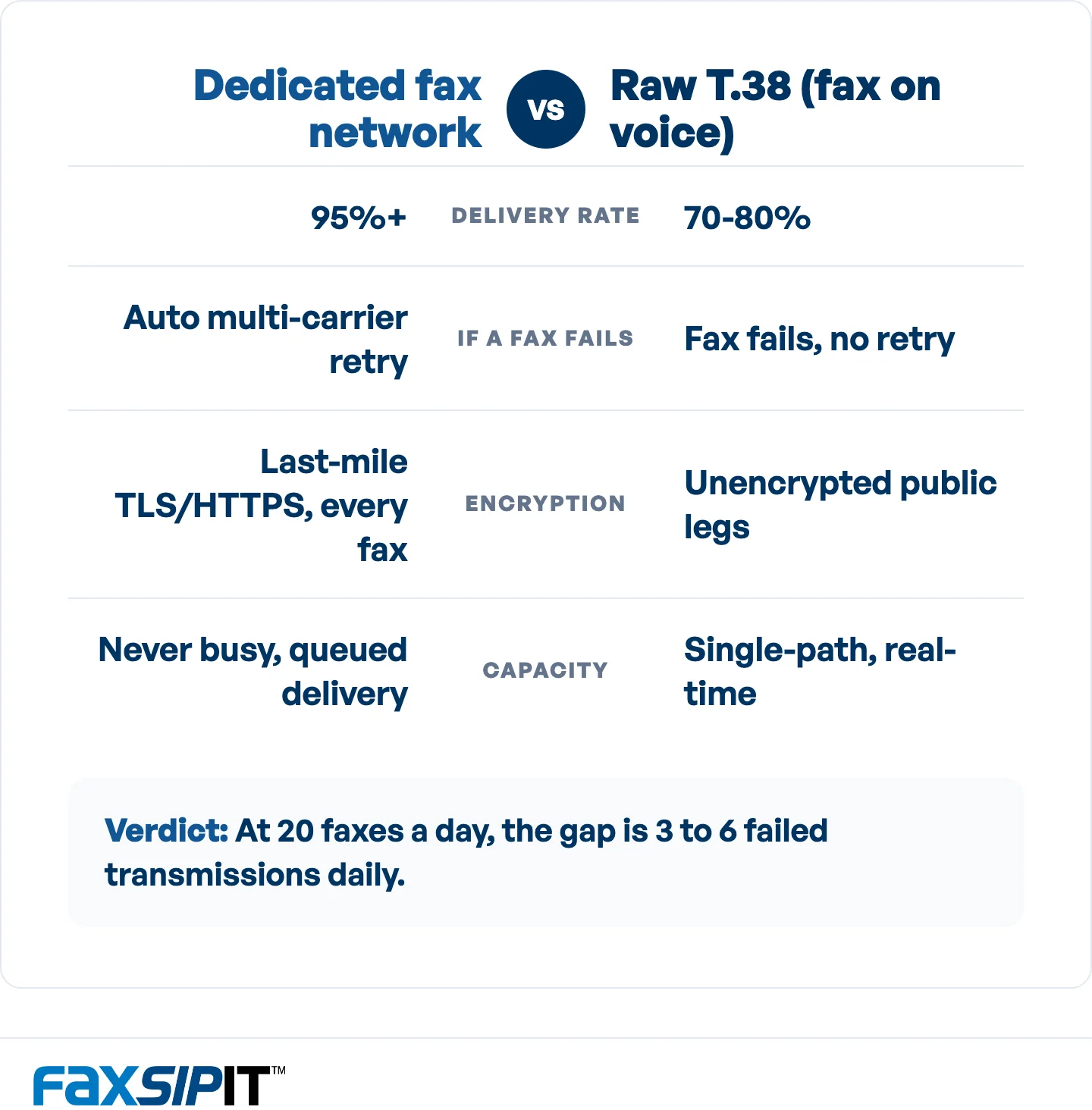
How a dedicated fax network compares with raw T.38 on delivery and security. Source: FaxSIPit network data.
Encryption follows the same logic. T.38 has no native encryption. While carrier backbone networks are generally private, the SIP trunk legs traversing the public internet and the final delivery to the receiving endpoint are unencrypted. We encrypt the last mile, the leg that matters most for sensitive documents, over TLS and HTTPS on every fax and every plan. Our reliability breakdown for regulated industries goes deeper on how the network handles failures.
How to Choose the Right Cloud Fax Service
Start with your volume and the cost of a failed fax, then work outward. The right choice falls into one of three buyer types:
Occasional sender. If you send a handful of faxes a year, a pay-as-you-go tool like Dropbox Fax avoids paying for a subscription you will not use. Remember that receiving usually requires a paid plan.
Regular business sender. Once you send and receive faxes weekly, a monthly subscription costs less per page than pay-as-you-go. Practitioners on r/sysadmin make the same point: past a few faxes a month, a subscription service is the better deal for both sending and receiving.
Regulated or enterprise team. When a dropped fax carries legal, financial, or patient-safety consequences, reliability, migration support, and delivery records matter more than the monthly price. This is where a dedicated fax network earns its place.
Two cautions worth carrying into any comparison. First, read the fine print on "unlimited" plans. Some buyers report being throttled or asked to pay more after sustained sending, so confirm the real ceiling before you rely on it. Second, ask the questions that decide daily operations: can you port your existing numbers, run multiple numbers, and send to fax from email? Those determine whether a switch is smooth or painful.
Migrating From Physical Fax Machines or an On-Prem Fax Server
Migration is the part most roundups ignore, and it is the part that stalls real projects. You do not have to choose between keeping your fax machines and moving to the cloud.
An analog telephone adapter handles the first case. Our SecureFax-ATA device connects an existing physical fax machine or multifunction printer to encrypted cloud infrastructure, so you keep the machine, the number, and the routing rules while the transport underneath becomes secure and managed. That is how the 200-department university migration above happened without ripping out hardware. You can read more on the fax machine ATA page.
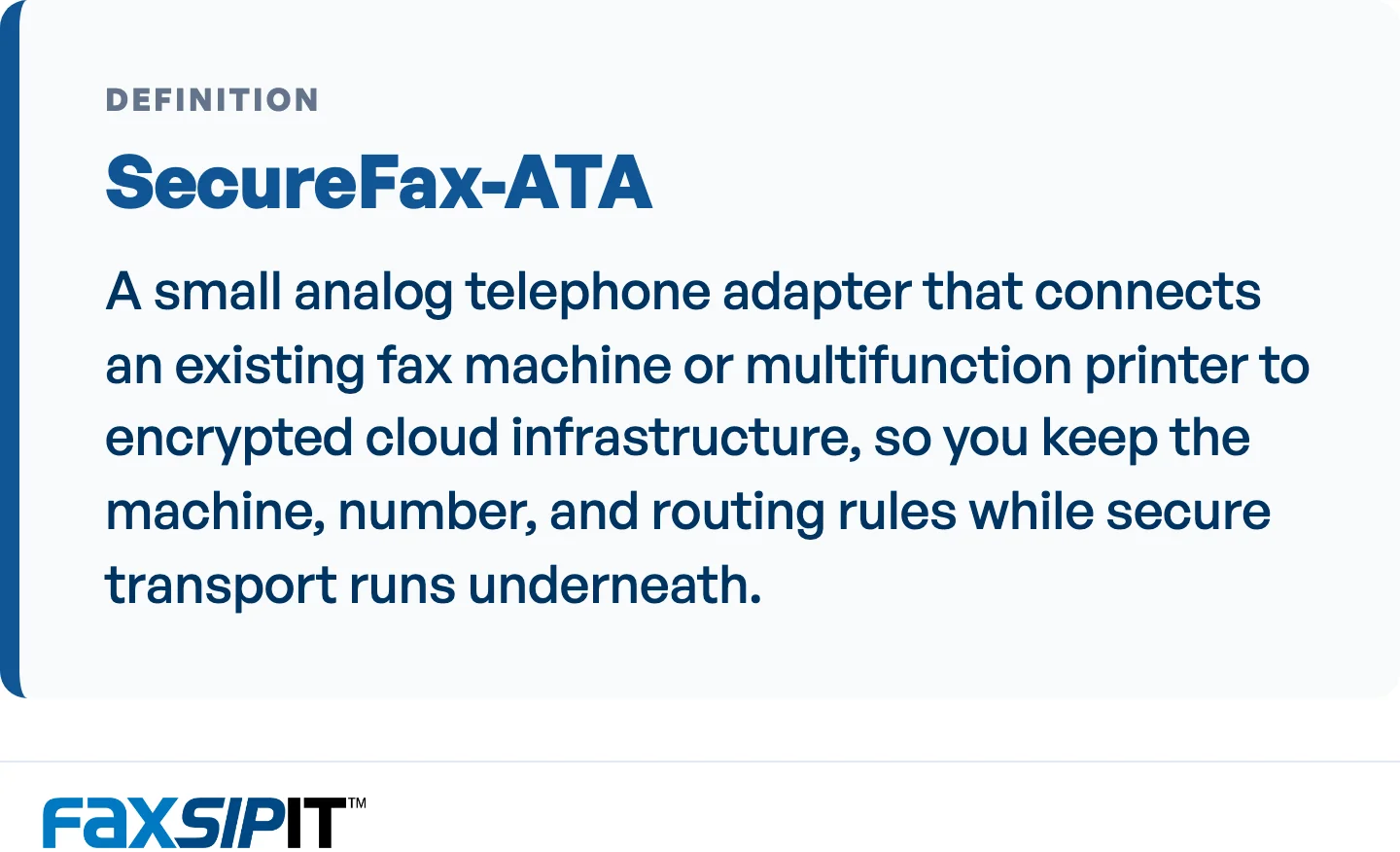
How FaxSIPit migrates physical fax machines to the cloud without ripping out hardware.
For teams running an on-premises fax server, a hosted fax server replacement moves that workload to managed infrastructure, often paired with BYOC (Bring Your Own Carrier) or SIP trunks so you keep existing carrier relationships. If you are weighing cloud against keeping a server in-house, our cloud fax versus fax server comparison covers the trade-offs in full.
Frequently Asked Questions
What is the best cloud fax service?
The best cloud fax service depends on your use case. For occasional one-off faxes, Dropbox Fax is the simplest pay-as-you-go option. For mobile-first teams, Fax.Plus fits well. For regulated or enterprise organizations that need reliable delivery and want to migrate existing fax machines, we built FaxSIPit for exactly that, with a dedicated fax network and ATA hardware.
What is the cheapest cloud fax service?
For truly occasional sending, a pay-as-you-go option like Dropbox Fax can be cheaper because you only pay per page, though receiving faxes usually requires a paid plan.
Is there a free cloud fax service?
Yes, for low volume. Several services offer a free tier or free outbound pages: Dropbox Fax includes a few free outbound pages, Fax.Plus offers a small free allowance, and iFax has a free send-only plan. Receiving a fax almost always requires a paid plan with an assigned number, so free tiers suit sending the occasional page rather than running a fax line.
Is cloud fax secure?
Cloud fax can be more secure than traditional fax when the service encrypts transmission. Look for encryption in transit over TLS or HTTPS on every fax, not just on premium tiers. Traditional T.38 fax has no native encryption on the public internet legs, so the encrypted last mile is the part that protects sensitive documents in transit.
Is cloud fax better than an on-prem fax server?
For most organizations, cloud fax removes the hardware maintenance, carrier management, and capacity planning that an on-premises fax server requires, while a hosted fax server replacement can preserve existing carrier setups. The shift is well underway in regulated sectors: in a Sage Growth Partners survey of health system and hospital executives, 40% had already adopted cloud fax and another 50% were evaluating it, with EHR integration and cost savings the top drivers. Our cloud fax versus fax server guide breaks down when each makes sense.
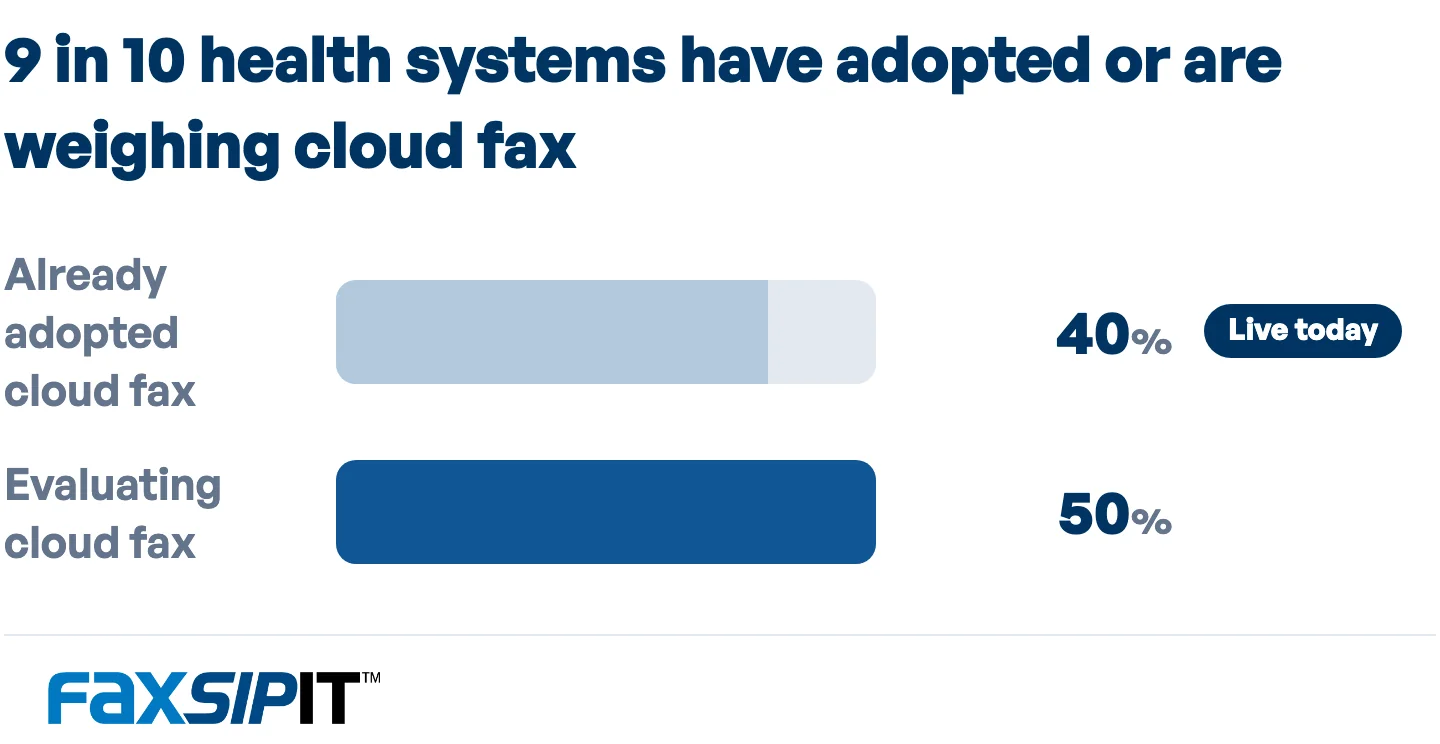
Cloud fax adoption among health system and hospital executives. Source: Sage Growth Partners survey.
Do I need a HIPAA-compliant fax service?
If you handle protected health information, yes. Healthcare, and any partner touching patient data, needs a fax service that signs a Business Associate Agreement and encrypts transmission. Our HIPAA-compliant fax roundup covers the services built for that requirement.
The Bottom Line
The best cloud fax service is the one matched to how you actually fax. Occasional senders should not pay for enterprise capacity, and enterprise teams should not trust mission-critical documents to a consumer app. Sort the field by your volume, your tolerance for a failed transmission, and the systems you need fax to connect to, and the shortlist gets short fast.
For teams where a dropped fax means a delayed referral or a compliance gap, we built FaxSIPit to make cloud fax dependable rather than convenient. The same SecureFax-ATA hardware that connects a 30-year-old machine to the cloud sits on the same network that reroutes a failed transmission through an alternate carrier automatically, and we serve more than 300 partners across 40-plus countries. See how it fits your setup on our cloud fax solution page, or contact us to talk through a migration.